


















Sold out


-
 Courier delivery under £30

-
Prime delivery

-
Manufacture Warranty 1 Year

-
Free 30-Day returns






Overview

| Weight | 653 g |
|---|---|
| Dimensions | 34.79 × 15.2 × 5.9 cm |
| Package dimensions | 34.79 x 15.2 x 5.9 cm; 653 g |
| Item model number | WL-UG39DK4V |
| Colour | UG39DK4V |
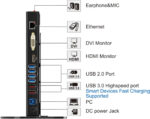
| Number of HDMI Ports | 2 |
| Operating System | Windows, macOS |
| Are Batteries Included | No |
| Item weight | 653 g |
| Guaranteed software updates until | unknown |
| ASIN | B01GK13GHQ |
| Date First Available | 3 Jun. 2016 |
| Manufacturer | WAVLINK |






Discreet Fulfilment Guaranteed –
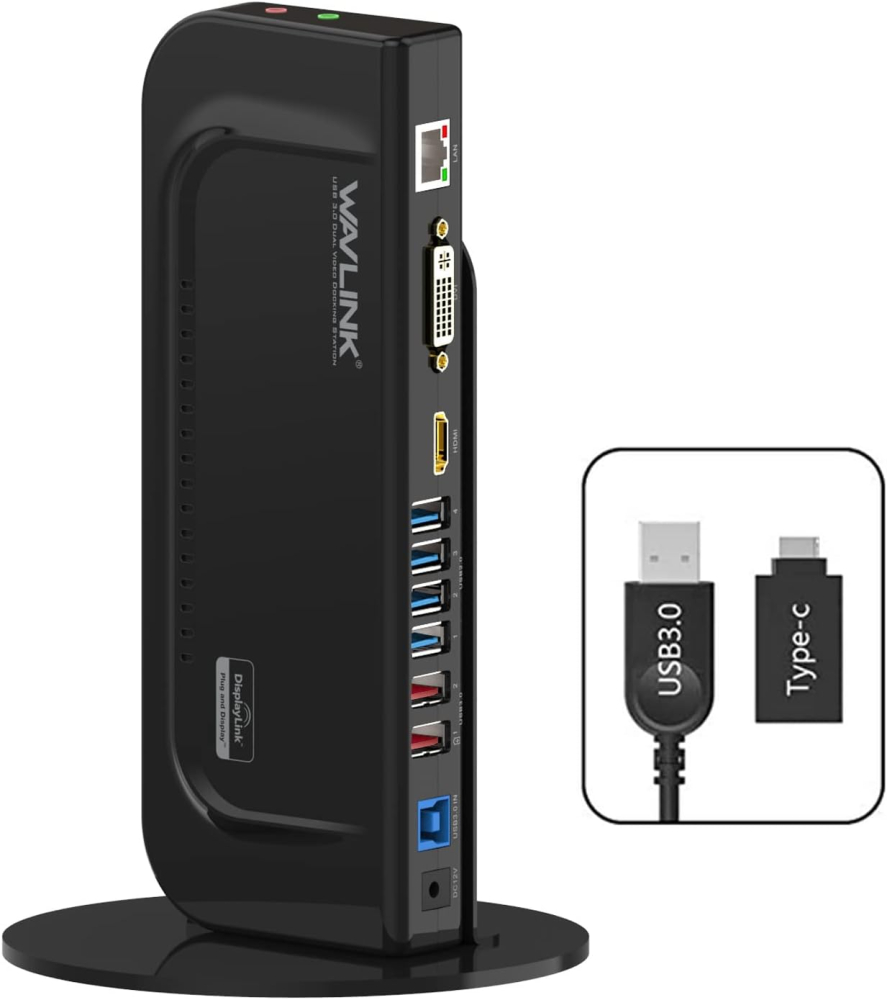
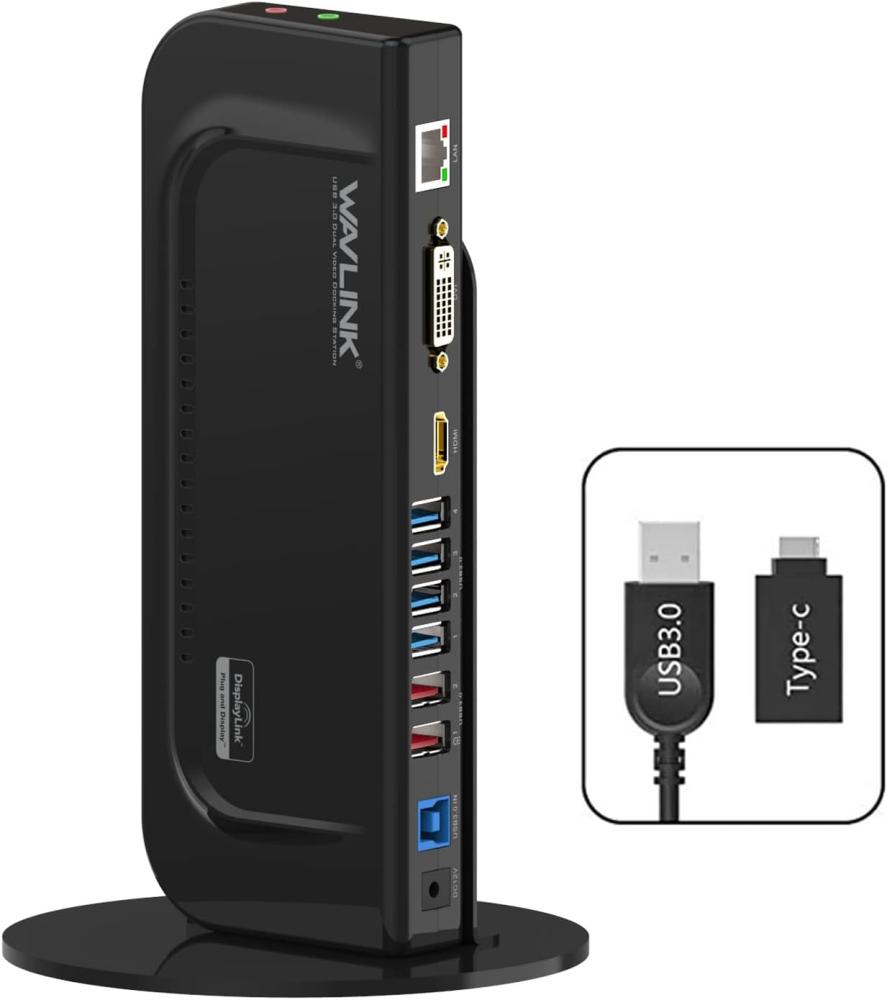
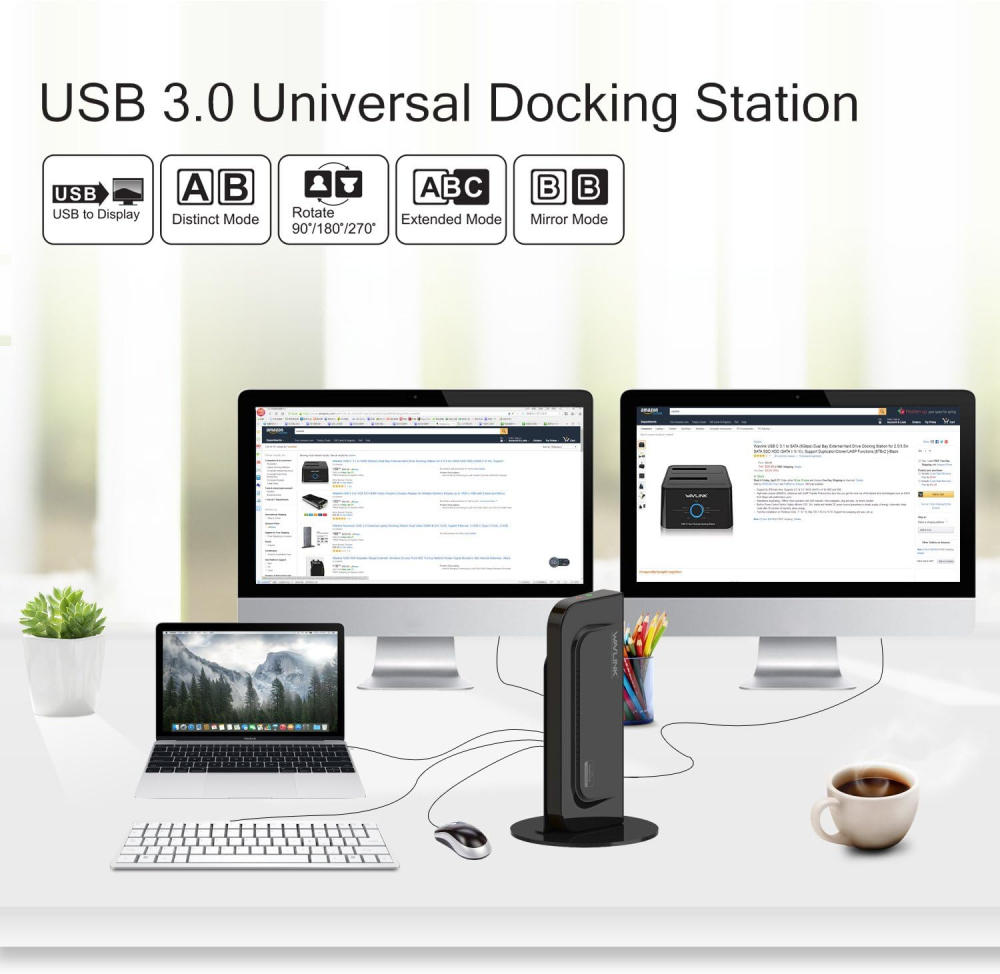
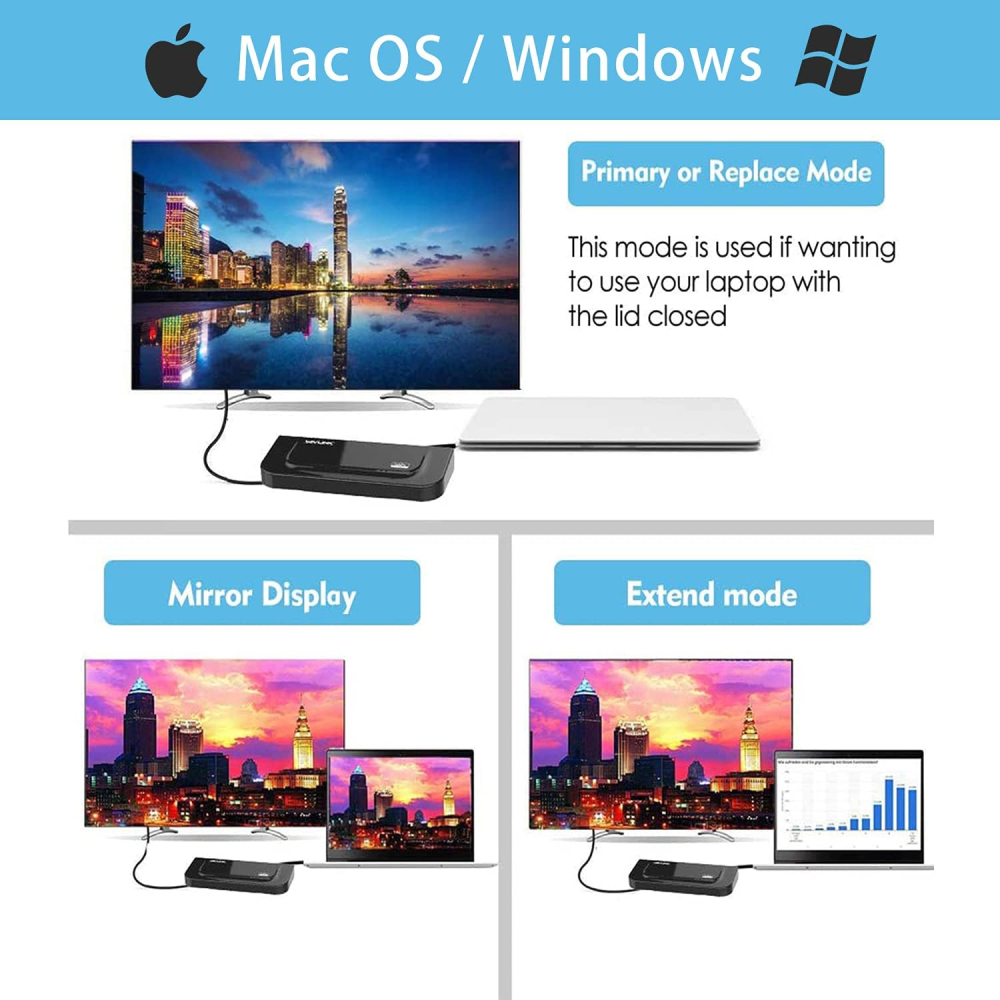
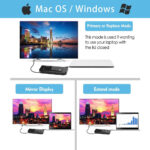
Impressed with this. I have a two-monitor setup with keyboard and mouse, this lets me use the setup for either my laptop (Lenovo Thinkpad) and desktop PC (HP). To change between the two computers, all I have to do is swap the USB cable from one to the other. The Lenovo is happy running the built-in laptop screen as well, so I can have a three-screen view when using that.(Anyone remember KVM switches? It’s effectively performing a similar function for me, because I don’t normally need to keep both machines running at the same time. I wouldn’t suggest using this method if you need to swap between computers every few seconds, as plugging USB in and out would be a hassle and both machines would need a little processing time to adjust each time you did it).This worked right out of the box without setup or installing any drivers etc. on both my computers, but note that you may need to configure monitor setup on your computer(s) so that everything is correctly placed, I had already done this with my previous docking station. Been using for a few days, no problems so far.I was using a fairly similar-looking Plugable docking station before, which worked fine but that went phut after a couple of years use. This WAVLINK one looks a little better to me, and doesn’t seem to warm up as much during use. Time will tell, I’ll update this review if it lets me down.Have not used the audio ports so can’t comment on those. Seems to work fine as USB hub, so far I’ve used it for a camera + mic for zoom meetings, and to get data off my phone. Only slight downside I’ve found is that the “charging” USB socket does not push out enough watts to charge the Lenovo laptop. So I have to keep that plugged into its power adaptor separately. Not the end of the world for me, but I had been hoping its charger could be consigned to the laptop bag. Maybe other laptop makes aren’t so power hungry.
Kev –
Absolutely worth paying for! Allows easy set for more screen and helps as an extender for the internet hard wire. ⭐️⭐️⭐️⭐️⭐️
Andrew M –
This is a really useful product as other reviewers say. As well as quickly plugging in lots of peripherals, it adds Gigabit Ethernet which my new Dell Inspiron 15 does not support. However I’d say four stars as there was an issue for me with drivers for Windows 10. The instructions suggest relying on Windows automatic updates (didn’t work for me) or downloading from DisplayLink.com (the chipset manufacturer), however that site suggest going first to the OEM site, i.e. wavlink.com. Anyway after installing the latest drivers from DisplayLink.com, their utility didn’t appear (and wasn’t listed in Programs and Features) and the USB Gigabit Ethernet or USB audio devices were not recognized. After some research, I ran the DisplayLink installation cleaner utility, the latest drivers did then install correctly and since then everything has worked very well. Hope this last bit helps someone…NB:It came with a generic “UGA” driver CD however that version does not support newer Windows 10 updates.
FKW666 –
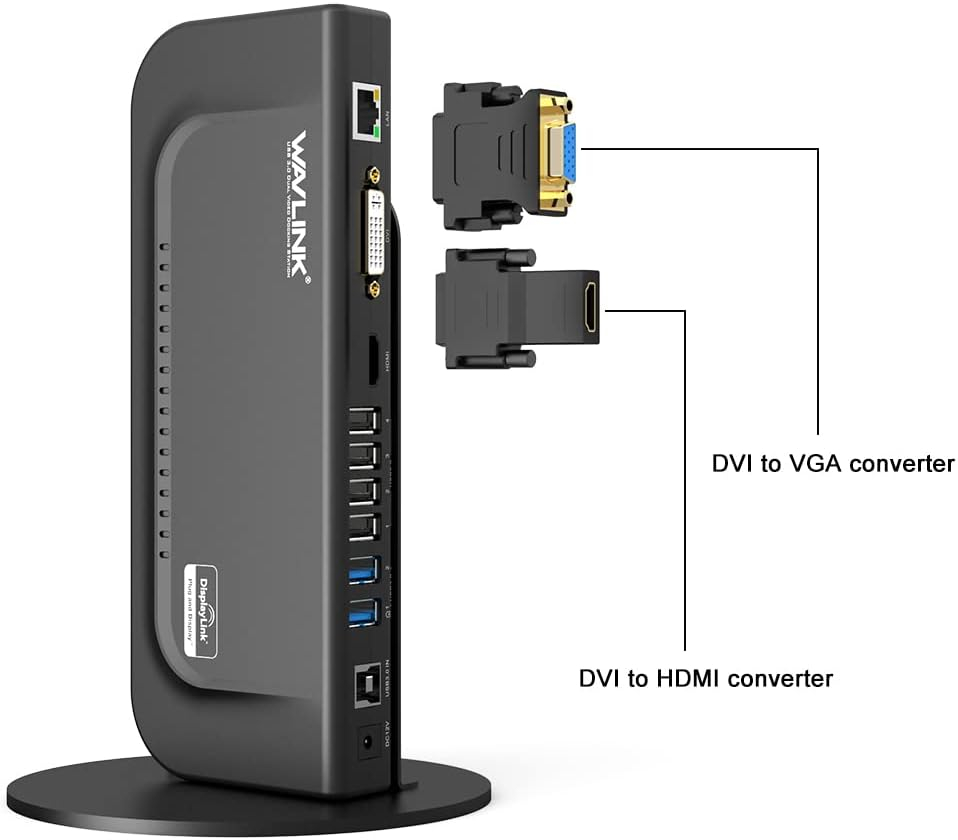
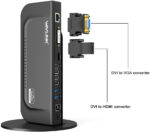
First purchase of this type of device so i was a little wary but i needn’t have worried as it does everything that i require very well indeed. My previous experience of HDMI connectivity for data monitors hasn’t been brilliant but this unit perform very well, the image is very clear and more importantly responsive showing no lag or delay/jitter as i’ve seen with other adapters.Very easy to set up and there should be more than enough ports for anyone though another mini DVI port would have been nice for my 3rd screen. Also a USB port on the front of the unit would also be nice but it isn’t the end of the world.Great piece of kit that is cheaper than some of its bigger named rivals but if money was no object i would still chose this one.
SHAD AHMAD –
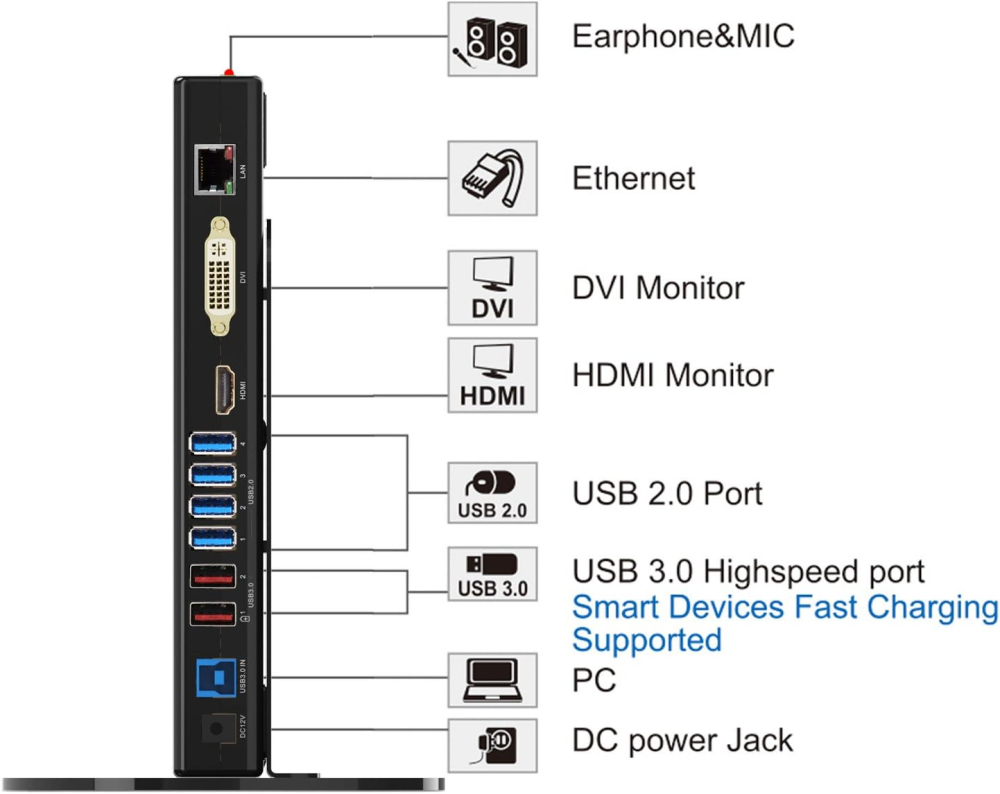
I have HP 14 laptop with just two USB ports and a C type USB port. These two USB ports are permanently occupied by daily use peripherals. I was looking for a USB hub but during browsing around on Think Assemble I found this WAVLINK 3.0 dock station.It come with 2 fast USB 3 ports and 3 USB 2 ports , a HDMI port and a DVI, it also have a LAN RJ45 port.So far I love the item and it solve my initial problem. I’m happy.One extra feature I would recommend is if it’s possible integrate the power need of WAVLINK device into USB connection, the power cord provided is too short and if there is no power source nearby then this device is not good.
Technician II –
I bought this just under a year ago and now, after daily use I’ve noticed that the USB ports are starting to fail.Initially I thought it was a faulty Logitech wireless keyboard that was at fault but tht work fine when plugged directly into the USB on the laptop. Now the Sennheiser headset has stopped working (but works fine when plugged into the laptop.I’ve read that others have had similar problems.I guess what I’m saying is that the peripherals I’m using are not low quality junk and all still work when plugged into the Laptop but the docking station is becoming a problem.I really like the product and it has been convenient to drop the laptop down and have a desktop setup running in a few seconds but I’d expect a more robust build from the likes of Wavlink.Not sure where I go for the next docking station, maybe try a second hand Dell one from Think Assemble whilst I attempt to send this one back under warranty.