



















-31%

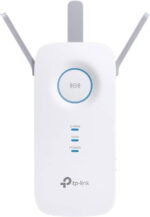

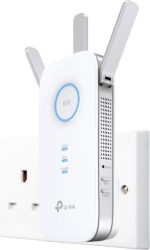



-
 Courier delivery under £30

-
Prime delivery

-
Manufacture Warranty 1 Year

-
Free 30-Day returns






Overview

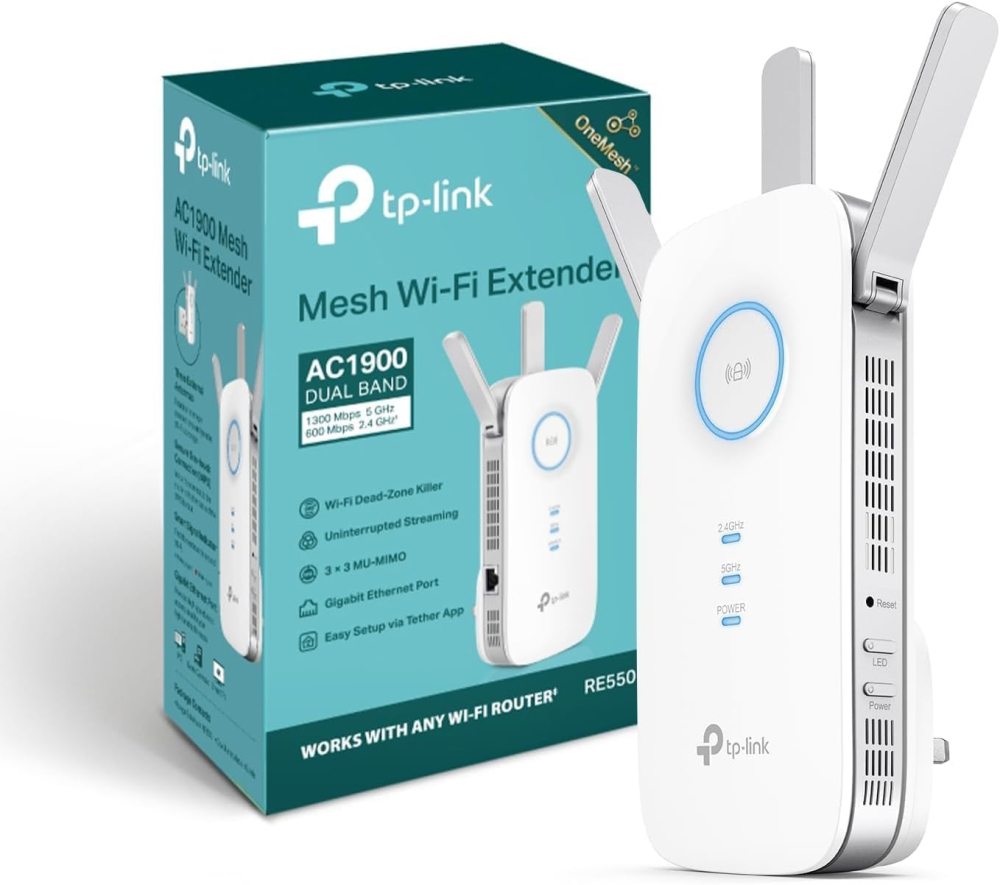
| Weight | 360.04 g |
|---|---|
| Dimensions | 16.3 × 8.64 × 6.63 cm |
| Brand | TP Link |
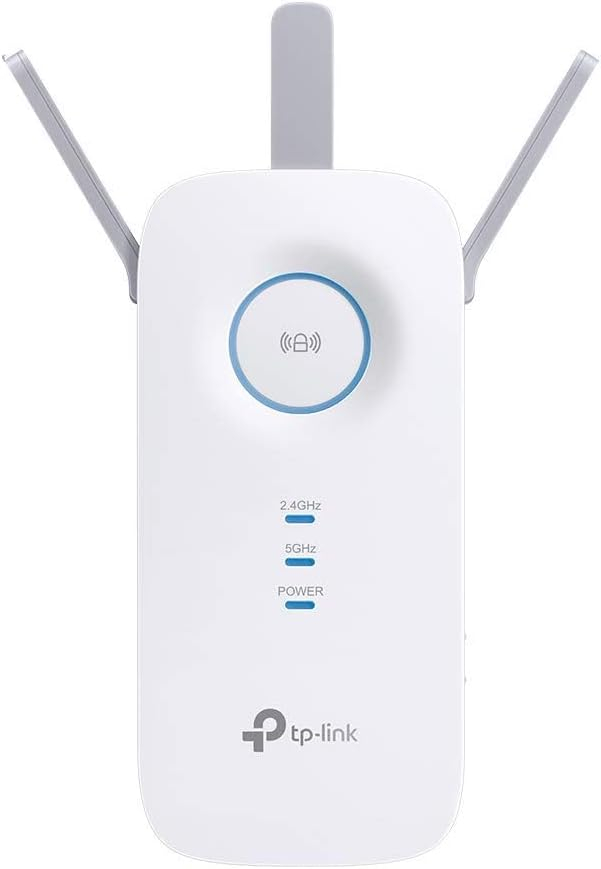
| Product Dimensions | 16.3 x 8.64 x 6.63 cm; 360.04 g |
| Item model number | RE550 EU-2 |
| Manufacturer | TP Link |
| Series | RE550 |
| Colour | White |
| Connectivity Type | Wi-Fi |
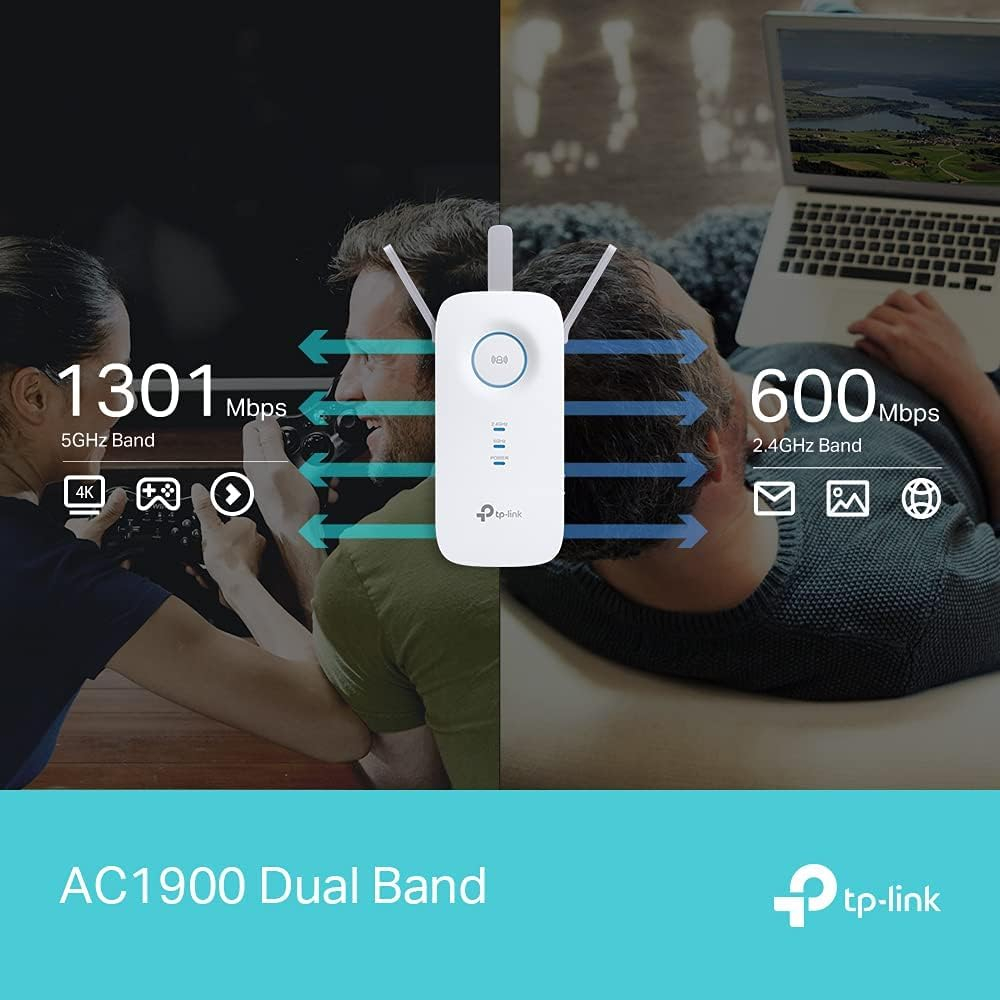
| Wireless Type | 2.4 GHz Radio Frequency, 5 GHz Radio Frequency |
| Voltage | 240 Volts (AC) |
| Operating System | Linux |
| Are Batteries Included | No |
| Item weight | 359 g |
| Guaranteed software updates until | unknown |
| Date First Available | 5 Mar. 2021 |





Brysiewicz Jewellery –
I recently purchased the TP-Link AC1900 Gigabit Mesh Wi-Fi Range Extender and it has proven to be an absolute game-changer for my home network. As someone who values a strong and reliable Wi-Fi connection, this device has truly exceeded my expectations.First and foremost, the range extender’s performance is outstanding. With its three external antennas, it effortlessly boosts the Wi-Fi signal throughout my entire home. I was particularly impressed by its ability to eliminate the Wi-Fi dead zone in my kitchen. Previously, I had struggled with weak or no Wi-Fi signal in that area, but thanks to this excellent range extender, I now enjoy seamless connectivity even while cooking or entertaining guests.Setting up the TP-Link AC1900 range extender was an absolute breeze. The easy setup process guided me through each step, ensuring a hassle-free installation. Additionally, the Tether app provided a user-friendly interface that allowed me to conveniently manage and control my extended network from my smartphone. It truly adds an extra layer of convenience to my daily life.One feature that I find particularly useful is the intelligent signal light. It helps me find the optimal location for the range extender, ensuring that it is placed in the most effective spot to maximize coverage. This smart feature saves me time and effort, making the overall experience even more satisfying.Moreover, the power schedule and LED control options are convenient additions that allow me to customize and regulate the range extender’s operation according to my needs. Whether it’s scheduling the Wi-Fi to turn off during specific hours or adjusting the LED brightness, the TP-Link AC1900 range extender offers a great deal of flexibility.In conclusion, the TP-Link AC1900 Gigabit Mesh Wi-Fi Range Extender is a remarkable device that has significantly improved my Wi-Fi coverage. Its exceptional performance, easy setup process, and convenient features such as the Tether app, intelligent signal light, power schedule, and LED control make it a standout choice. If you’re seeking a reliable solution to extend your Wi-Fi range, this range extender is a top-notch option.
Richard –
I have used a fair few signal repeaters over the years and also have used old routers as repeaters. Recently I was lucky enough to get fibre to the premises broadband from a small supplier. This in theory gives be 300MBS upload and download. However it soon became apparent that the router supplied had pretty poor wi-fi capabilities and the signal was rather weak in the lounge. I decided to try one of these range extenders,It suits my purpose perfectly. Very easy to set up and I cant see anyone having a problem. WPS pairing worked but I then changed the SSID to match the rest of the network which worked well as roaming devices tend to pair to the strongest signal. The advice with this extender was to place it halfway between the router and the problem area. This is logical enough but I was able to place the device behind the TV in the lounge (blue light on the device shows this placement is fine) which meant I could use the ethernet socket for my PVR. This all works perfectly. Unlike previous extenders I have used this one is very stable and I have not had to reboot the device yet.Its important to realise that because of the way repeaters work you will not get the same speed as you would next to the router. There are endless clear explanations for this on the internet but in simple terms the repeater has to collect the signal and then pass it on so you might in theory half the bandwidth. So if your actual internet speed from the provider is slow this may not be the solution you are hoping for. My upload/download (just checked) is about 140 MB from the 300. What you will get though if the device is placed correctly is a very strong signal strength, exactly what wifi dongles such as the firestick require.Based on my experience of ease of setup, usefulness and importantly stability its five stars all the way from me.
Leo –
Day 2 Review. Easy to set up, great coverage now in my 4bedroom house. Looks great and well fitting to the sockets. Got on prime day deal, 47 pounds, supports both 2.4 and 5 GHz, can name it separately and choose which one you want. Speed slightly lower to the main router , but great enough to cover dead areas at reasonable speed.
Mr G –
We’ve been having issues with our wifi for quite some time, even when we were promised that full fibre would sort all that out….IT DIDN”T!Although the signal downstairs was very strong, upstairs was a different story. The router just wasnt reaching all the house.Read up on this TP-Link RE550 along with reviews and all sounded good. So bit the bullet and purchased one yesterday. Not only did it turn up the same day…..but WOW what a difference its made!!!Getting the same speed of around 135mbps as downstairs with no lagging.Set up couldn’t have been any easier, as I was up and running in less than 10 minutes. Its feeding around 6 devices upstairs and no problems.I’m only one day in of getting this, but have to say all is GOOD…..for me anyway!!!
Connor –
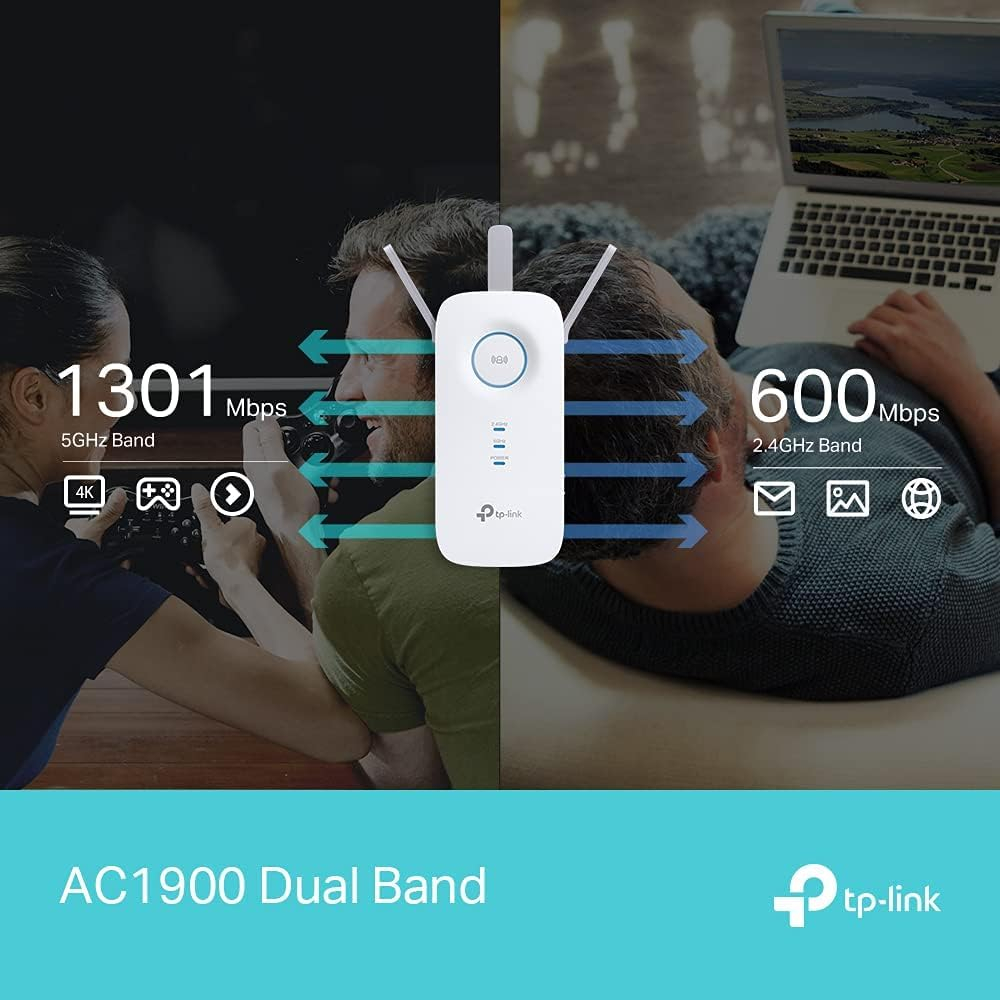
This is an absolute lifesaver of a product, my WiFi was giving me about 8mbps and constant lag, I now get 5000mbps and play flawlessly. It has a 5ghz and 2ghz network so you can prioritise what devices make use of the fast speed. At £50 this is a bargain and well worth it. Quick and easy setup and worked with my sky box easily.5/5 I recommend !!
thinkassemble.co.uk Customer –
I was struggling with WiFi coverage in my house, after some research I came across TP-Link Rae550 AC1900. It was really easy to set up and once done I had strong signal where once it was weak. Highly recommend this product if you’re looking to extend your WiFi range.
STEVEN –
Worked well while it worked, bought in 2023 something happened over the last few months and this caused multiple power cuts in the home! I don’t know what happened with it, it was a good device, but caused serious power outage multiple times – so I now have to replace it as faulty. 2 years isn’t great, but hey ho!
Brian Kennedy –
Impressive!
I got this Wi-Fi Range Extender with Summer in mind. I thought this might help improve signal strength at the back of the house during the good weather! I set it up using WPS which was so easy and just followed the prompts using the TP Link Tether App. My Vodafone Router is in my front Hallway so I Relocated the Extender to my bedroom upstairs just to test. Results were good but not as good as being connected directly to the Router, that’s to be expected but when I connected my Laptop to the Ethernet Port on the Extender I got the same results as when connected directly to my Router. Now that was a surprise. I have 500 Fibre Broadband and had been using a TP Link Powerline Adapter with an older laptop I’ve had for nearly 10 years. It only has the 2.4Ghz Band so the Wi-Fi isn’t great. I was getting speeds up to 250mbps with the Powerline Adapter but I’m getting Double that now with this Extender. I’m getting the same results with my new Laptop when used with an Ethernet Adapter. I’m using the RE550 full time now in place of the Powerline Adapter, makes sense with double the speed. When Summer comes round I can use it as an Extender for the back garden. Well worth the money. Below are Speed Tests of both Laptops!
amcl. –
It’s large
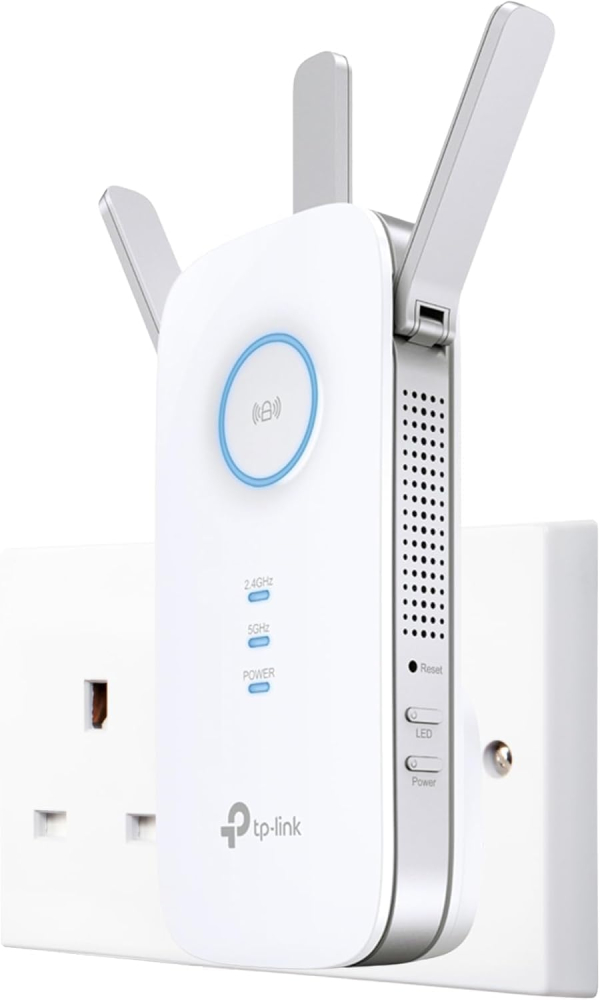
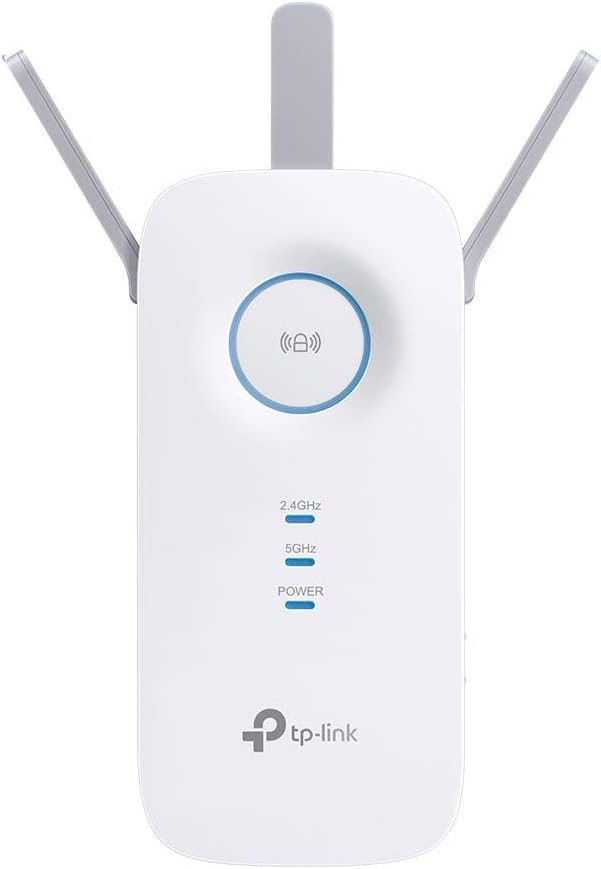
Seems to be helping,WiFi is stable for now beware this takes an entire plug socket.
Theresa S. –
Set up terrible
Set up difficult and the interior bar code linked me to another site and started taking money from my account the following day and promised to take it weekly! Eventually resolved this through calls to paypal. It does work pretty well now that Ive it set up but you must link it to wifi extender when you move nearer and then link to main wifi on returning. Doesn’t do it automatically.
Eamon –
5 bars of signal has replaced no signal whatsoever.
Garage is 15 meters away and cannot get a signal. Useless.
Marco –
Exactly what I was looking for
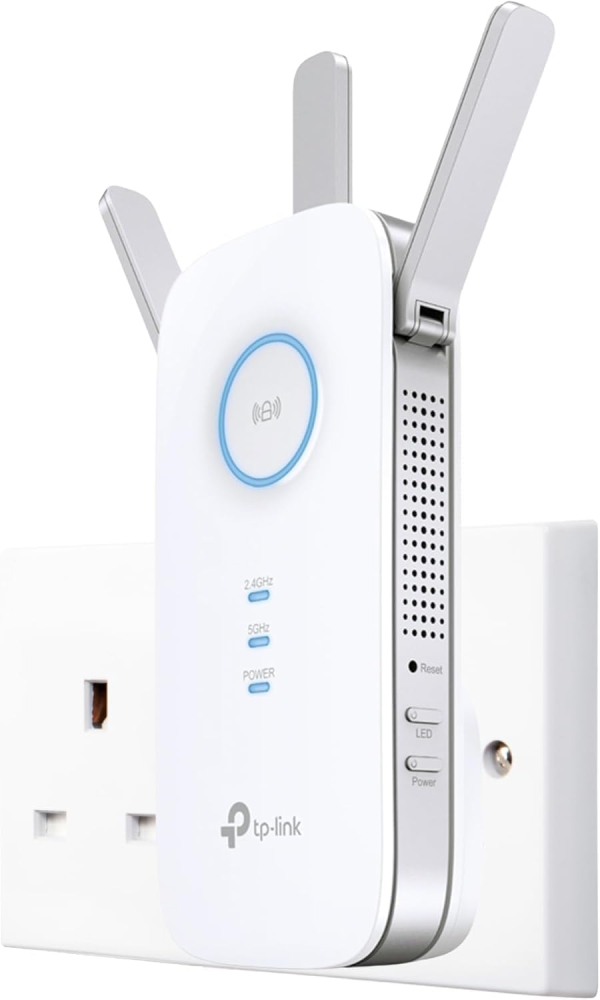
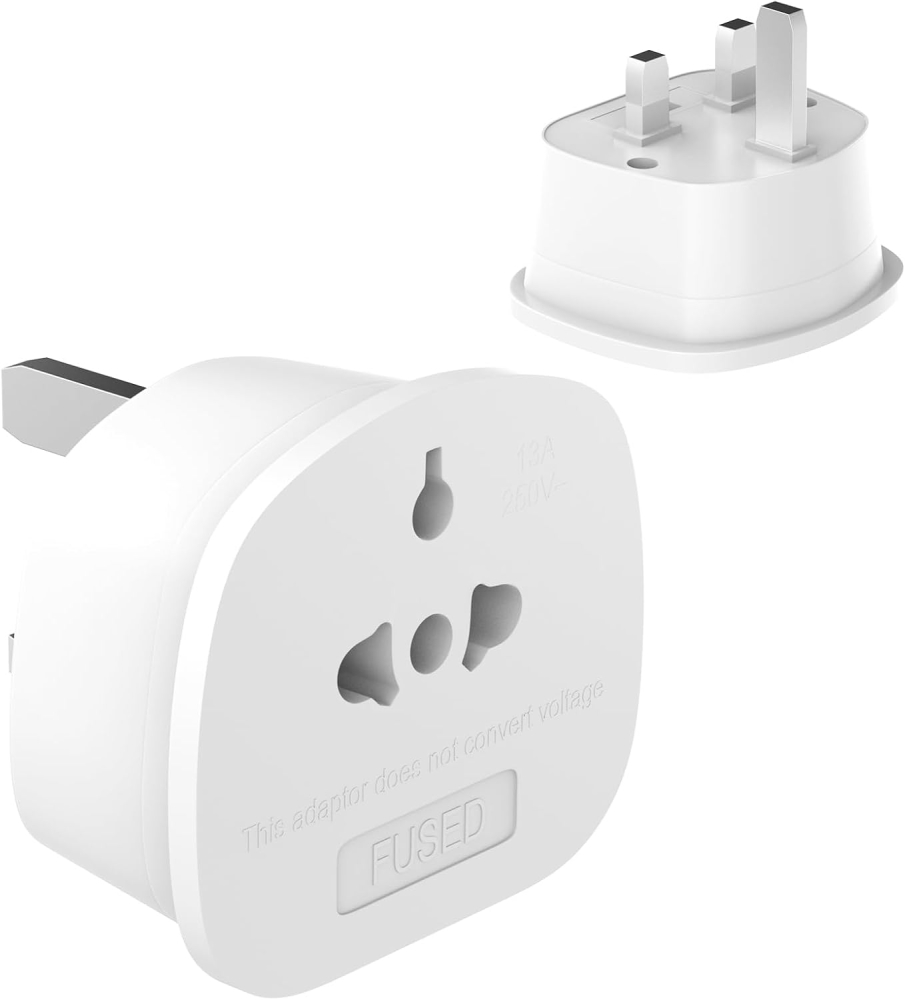
The extender is big and having to use a UK plug adapter is a bit annoying but it performs as expected, providing maximum speeds from afar
Brysiewicz Jewellery –
I recently purchased the TP-Link AC1900 Gigabit Mesh Wi-Fi Range Extender and it has proven to be an absolute game-changer for my home network. As someone who values a strong and reliable Wi-Fi connection, this device has truly exceeded my expectations.First and foremost, the range extender’s performance is outstanding. With its three external antennas, it effortlessly boosts the Wi-Fi signal throughout my entire home. I was particularly impressed by its ability to eliminate the Wi-Fi dead zone in my kitchen. Previously, I had struggled with weak or no Wi-Fi signal in that area, but thanks to this excellent range extender, I now enjoy seamless connectivity even while cooking or entertaining guests.Setting up the TP-Link AC1900 range extender was an absolute breeze. The easy setup process guided me through each step, ensuring a hassle-free installation. Additionally, the Tether app provided a user-friendly interface that allowed me to conveniently manage and control my extended network from my smartphone. It truly adds an extra layer of convenience to my daily life.One feature that I find particularly useful is the intelligent signal light. It helps me find the optimal location for the range extender, ensuring that it is placed in the most effective spot to maximize coverage. This smart feature saves me time and effort, making the overall experience even more satisfying.Moreover, the power schedule and LED control options are convenient additions that allow me to customize and regulate the range extender’s operation according to my needs. Whether it’s scheduling the Wi-Fi to turn off during specific hours or adjusting the LED brightness, the TP-Link AC1900 range extender offers a great deal of flexibility.In conclusion, the TP-Link AC1900 Gigabit Mesh Wi-Fi Range Extender is a remarkable device that has significantly improved my Wi-Fi coverage. Its exceptional performance, easy setup process, and convenient features such as the Tether app, intelligent signal light, power schedule, and LED control make it a standout choice. If you’re seeking a reliable solution to extend your Wi-Fi range, this range extender is a top-notch option.
Richard –
I have used a fair few signal repeaters over the years and also have used old routers as repeaters. Recently I was lucky enough to get fibre to the premises broadband from a small supplier. This in theory gives be 300MBS upload and download. However it soon became apparent that the router supplied had pretty poor wi-fi capabilities and the signal was rather weak in the lounge. I decided to try one of these range extenders,It suits my purpose perfectly. Very easy to set up and I cant see anyone having a problem. WPS pairing worked but I then changed the SSID to match the rest of the network which worked well as roaming devices tend to pair to the strongest signal. The advice with this extender was to place it halfway between the router and the problem area. This is logical enough but I was able to place the device behind the TV in the lounge (blue light on the device shows this placement is fine) which meant I could use the ethernet socket for my PVR. This all works perfectly. Unlike previous extenders I have used this one is very stable and I have not had to reboot the device yet.Its important to realise that because of the way repeaters work you will not get the same speed as you would next to the router. There are endless clear explanations for this on the internet but in simple terms the repeater has to collect the signal and then pass it on so you might in theory half the bandwidth. So if your actual internet speed from the provider is slow this may not be the solution you are hoping for. My upload/download (just checked) is about 140 MB from the 300. What you will get though if the device is placed correctly is a very strong signal strength, exactly what wifi dongles such as the firestick require.Based on my experience of ease of setup, usefulness and importantly stability its five stars all the way from me.
Leo –
Day 2 Review. Easy to set up, great coverage now in my 4bedroom house. Looks great and well fitting to the sockets. Got on prime day deal, 47 pounds, supports both 2.4 and 5 GHz, can name it separately and choose which one you want. Speed slightly lower to the main router , but great enough to cover dead areas at reasonable speed.
Mr G –
We’ve been having issues with our wifi for quite some time, even when we were promised that full fibre would sort all that out….IT DIDN”T!Although the signal downstairs was very strong, upstairs was a different story. The router just wasnt reaching all the house.Read up on this TP-Link RE550 along with reviews and all sounded good. So bit the bullet and purchased one yesterday. Not only did it turn up the same day…..but WOW what a difference its made!!!Getting the same speed of around 135mbps as downstairs with no lagging.Set up couldn’t have been any easier, as I was up and running in less than 10 minutes. Its feeding around 6 devices upstairs and no problems.I’m only one day in of getting this, but have to say all is GOOD…..for me anyway!!!
Connor –
This is an absolute lifesaver of a product, my WiFi was giving me about 8mbps and constant lag, I now get 5000mbps and play flawlessly. It has a 5ghz and 2ghz network so you can prioritise what devices make use of the fast speed. At £50 this is a bargain and well worth it. Quick and easy setup and worked with my sky box easily.5/5 I recommend !!
thinkassemble.co.uk Customer –
I was struggling with WiFi coverage in my house, after some research I came across TP-Link Rae550 AC1900. It was really easy to set up and once done I had strong signal where once it was weak. Highly recommend this product if you’re looking to extend your WiFi range.
STEVEN –
Worked well while it worked, bought in 2023 something happened over the last few months and this caused multiple power cuts in the home! I don’t know what happened with it, it was a good device, but caused serious power outage multiple times – so I now have to replace it as faulty. 2 years isn’t great, but hey ho!
Brian Kennedy –
Impressive!
I got this Wi-Fi Range Extender with Summer in mind. I thought this might help improve signal strength at the back of the house during the good weather! I set it up using WPS which was so easy and just followed the prompts using the TP Link Tether App. My Vodafone Router is in my front Hallway so I Relocated the Extender to my bedroom upstairs just to test. Results were good but not as good as being connected directly to the Router, that’s to be expected but when I connected my Laptop to the Ethernet Port on the Extender I got the same results as when connected directly to my Router. Now that was a surprise. I have 500 Fibre Broadband and had been using a TP Link Powerline Adapter with an older laptop I’ve had for nearly 10 years. It only has the 2.4Ghz Band so the Wi-Fi isn’t great. I was getting speeds up to 250mbps with the Powerline Adapter but I’m getting Double that now with this Extender. I’m getting the same results with my new Laptop when used with an Ethernet Adapter. I’m using the RE550 full time now in place of the Powerline Adapter, makes sense with double the speed. When Summer comes round I can use it as an Extender for the back garden. Well worth the money. Below are Speed Tests of both Laptops!