


















Sold out
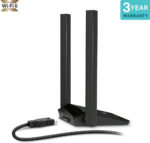
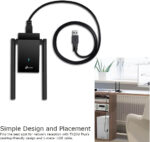
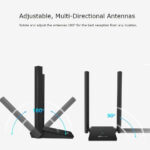


-
 Courier delivery under £30

-
Prime delivery

-
Manufacture Warranty 1 Year

-
Free 30-Day returns






Overview

| Weight | 80 g |
|---|---|
| Dimensions | 8.4 × 15.63 × 1.92 cm |
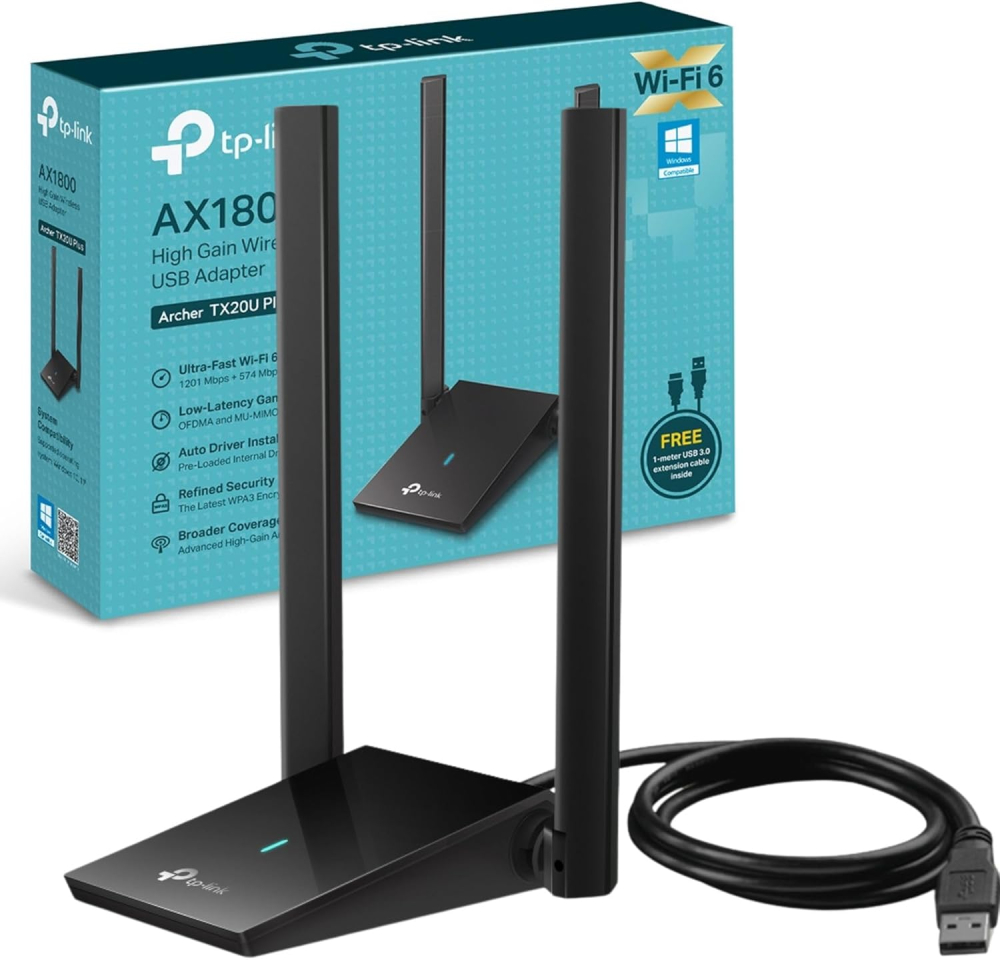
| Brand | TP Link |
| Product Dimensions | 8.4 x 15.63 x 1.92 cm; 80 g |
| Batteries | 1 AAAA batteries required. |
| Item model number | Archer TX20U Plus |
| Series | Archer TX20U Plus |
| Colour | Black |
| Standing screen display size | 15.6 |
| Processor Count | 4 |
| Graphics Card Interface | Integrated |
| Wireless Type | 802.11a |
| Number of USB 2.0 Ports | 2 |
| Voltage | 100 Volts |
| Wattage | 5.7 watts |
| Power Source | Corded Electric |
| Operating System | Windows 10 |
| Are Batteries Included | No |
| Lithium Battery Energy Content | 2.6 Watt Hours |
| Lithium Battery Packaging | Batteries contained in equipment |
| Lithium Battery Weight | 5 Grams |
| Number Of Lithium Ion Cells | 4 |
| Item weight | 80 g |
| Guaranteed software updates until | unknown |
| ASIN | B09X3FTL7F |
| Date First Available | 20 July 2025 |
| Manufacturer | TP Link |





RedScot –
Been using this for a few weeks now and it has worked very well. It was a simple plug it in and install the drivers to get it working. I have had no signal drop-outs or any issues with it. I had tried another brand of USB wi-fi adapter but it get dropping the signal, it was like the device was being unplugged and then plugged back in. My download speeds have improved compared to the previous wi-fi adaptor and powerline adaptors I was using.My router is on the ground floor at the front of the house and I’m using the TP-Link AX1800 in a room on the first floor at the back. Overall I would recommend this USB wi-fi adaptor.UPDATE:Bought a new mini PC with Windows 11 Pro and, unfortunately, this adapter just doesn’t work well. Download speeds would vary between 0.1 and 30 (my max) at random, the device would disconnect and reconnect to USB. I updated the drivers to no avail. The device still works on my Windows 10 PC. I have noticed that my Bros Trend AC3 adapter has a specific driver for Windows 11 so it may just be a driver issue the TP-Link need to fix.
Hayley –
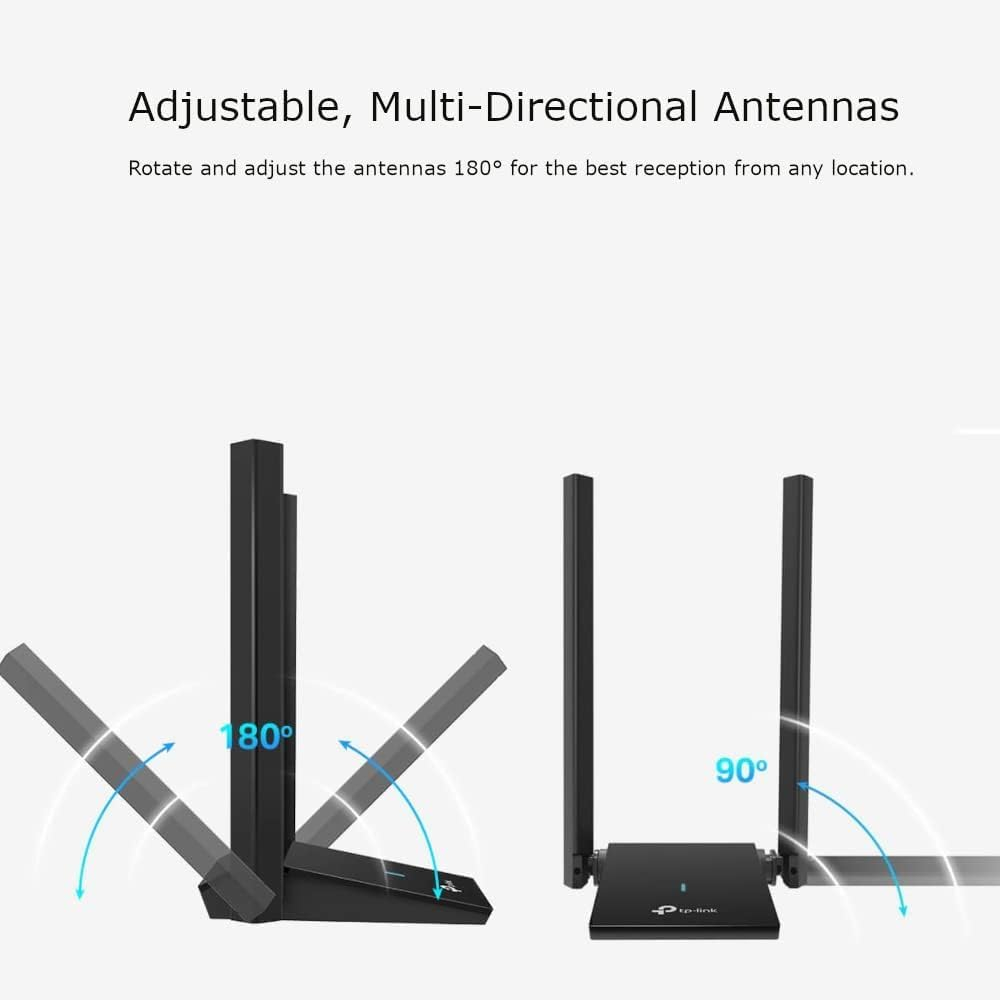
This works great, if you set it up properly! The 2.4ghz wifi adapter built into my 5 year old PC barely worked, I was getting 1.5mbps if I was lucky. The PC is quite far from the router and our house is awful for wifi signal anyway, so I didn’t hold out much hope that the adapter would work. But it instantly increased the speed to 90mbps, which was impressive. OK it’s nowhere near the 300mbps+ I get on my phone next to the router, but who actually needs that speed?! 90mbps is more than fast enough for what I need. I’m sure if I messed around with the antennas I could get it even faster. I just left them sticking straight up.For the reviewers saying the adapter didn’t work, I think perhaps they didn’t disable their existing wifi adapter. The PC will still default to that, even when this adapter is plugged in. You need to open Device Manager (windows key + X), scroll down to section for network adapters and right-click to disable any that say WAN or wifi or wireless (don’t disable ethernet or bluetooth ones). It might take a minute to update, but you’ll know it’s worked when your wifi disconnects. When you plug in the new adapter, it should allow you to connect to the wifi network via that instead.It’s also worth downloading the most recent driver from the TP link website and installing this instead of the one that comes loaded on the adapter. Do this before disabling your current internet, obviously. When you download it, it’ll be a zip file. You need to extract the file to use it. Simply plug the adapter in, open the driver file and install it.
Andrew Curwen –
Worked alright to begin with, over the past few months it had issues connecting and disconnecting and now, after 1 year of use it disconnects and connects constantly when connected to USB 3.0 and otherwise only connects to 2.4Ghz. Not impressed
Taha aroussi –
Works great most of the time great signal but sometimes id say once every 3 months you turn on the pc ans it doesn’t work you’d have to reconnect it
Butterfly Ire –
I recently purchased the TP Link AX1800 WiFi 6 Dual Antennas through Think Assemble, and I am beyond impressed with its performance. This router has truly exceeded my expectations delivering a seamless and efficient wireless experience for my home network.First and foremost, the AX1800’s Wi-Fi 6 technology has made a noticeable difference in the speed and stability of my internet connection. Streaming high-definition videos, online gaming, and video conferencing are now smoother than ever. The dual antennas provide excellent coverage throughout my home, eliminating dead zones and ensuring a strong and consistent signal in every room. Setting up the router was a breeze, thanks to the user-friendly interface and clear instructions provided by TP-Link. The mobile app also proved to be a valuable asset, allowing me to manage and monitor my network easily from my smartphone. The intuitive controls and advanced settings give me the flexibility to customize my network according to my needs.I appreciate the sleek and modern design of the AX1800, which blends seamlessly with my home decor. The compact size of the router is an added bonus, as it doesn’t take up much space while still delivering powerful performance. Security is a top priority for me, and TP-Link has not disappointed in this regard. The AX1800 comes equipped with robust security features, including WPA3 encryption, which gives me peace of mind knowing that my network is protected against potential threats.It is okay for me upto 95% .
G. Mackey –
Over the years, but more so recently, I’ve had connection problems with wi-fi adapters.I run Windows 11 Professional on my PC, and some of the issues started when I began using this platform. This is purely FYI, and should be borne in mind. I can change the O/S on this PC to Windows 10 Pro, and it definitely doesn’t have as many issues with adapters as Windows 11 has. (Microsoft, take note!!)There are two main issues: first is hook-up time from starting my PC. This is very unpredictable, and can take up to 30 seconds to establish a connection. Next is drop-out. All of the adapters that I’ve tried seem to drop out for no good reason. Last is the wi-fi speed. My broadband is 150, but it regularly went down to less than 10 Mbps.The latest adapters that I used were the WAVLINK ones, and they were OK, but still not up to the job, as they also exhibited these faults regularly.I bought the TP-Link earlier this month: I’ve used TP-Link before, and they were OK, so I took a chance on this later version. Start-up to connection is now typically less than 15 seconds; not brilliant, but still good. Drop-out is significantly reduced to a level of around 10% compared with the WAVLINK adapters. Speed is now more than 100mbps most of the time, with a fastest-ever speed of 165mbps. The WAVLINK adapters hardly ever achieved 100mbps.I’m still monitoring this adapter, but even now, it’s worth 5 stars.
Ahmed –
ممتاز
الجوده ممتاز و السرعة ممتاز
Cliente Think Assemble –
Una gran velocidad
Ahora me va el internet volando. Muy buena antena wifi
Isaque de Oliveira Dornelas Barbosa –
Me surpreendeu bastante
Eu sinceramente não entendo quem avaliou mal este produto, pois ele funcionou perfeitamente bem! A velocidade foi MUITO alta e consistente. Obviamente, para aproveitar ao máximo um produto como este, o seu roteador precisa ser tão bom quanto. Não adianta comprar algo desse nível e não ter acesso a um Wi-Fi 6. No meu caso, tenho um roteador excelente e, consequentemente, o produto atendeu perfeitamente: estava alcançando velocidades próximas às de uma conexão por cabo. Ótima compra!
Stephen Carroll –
Good adapter
Works just great for me! Try disabling existing wifi card if using a laptop, caused some issues but worked in the end. Went from wifi 5 10mbs to 450mbs with some distance.
dewyngaert –
Rapide
Aussi rapide en partageant mon smartphone que mon modem 5g , agréablement surpris !