



















Sold out

-
 Courier delivery under £30

-
Prime delivery

-
Manufacture Warranty 1 Year

-
Free 30-Day returns






Overview

| Weight | 907.18 g |
|---|---|
| Dimensions | 19 × 18 × 15 cm |
| Is discontinued by manufacturer | No |
| Product Dimensions | 19 x 18 x 15 cm; 907.18 g |
| Date First Available | 14 April 2016 |
| Item model number | 2200-48350-019 |
| Guaranteed software updates until | unknown |
| Manufacturer | Polycom |
| Style Name | VVX 300 (No PSU), VVX 300 optimised for SFB (No PSU), VVX 301 (No PSU), VVX 310 (No PSU), VVX 310 optimised for SFB (No PSU), VVX 311 (No PSU), VVX 311 optimised for SFB (No PSU) |





Vael –
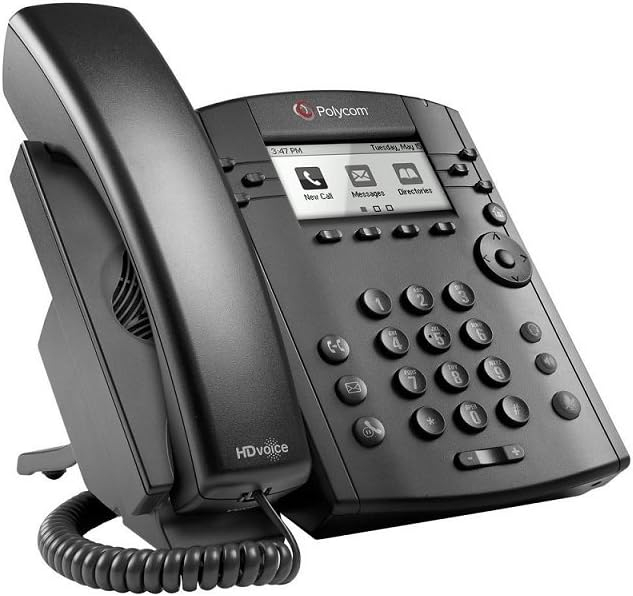
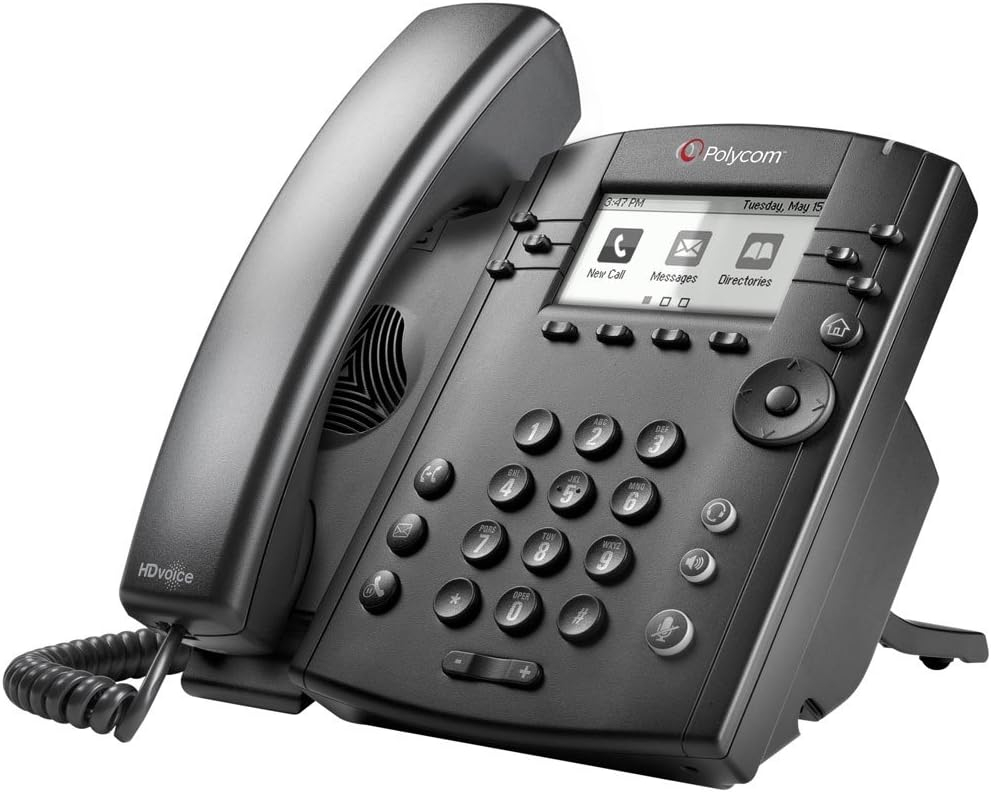
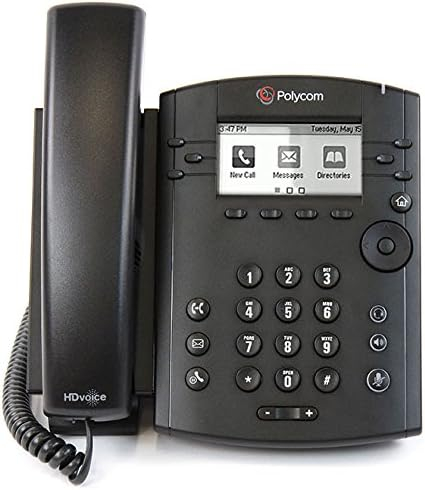
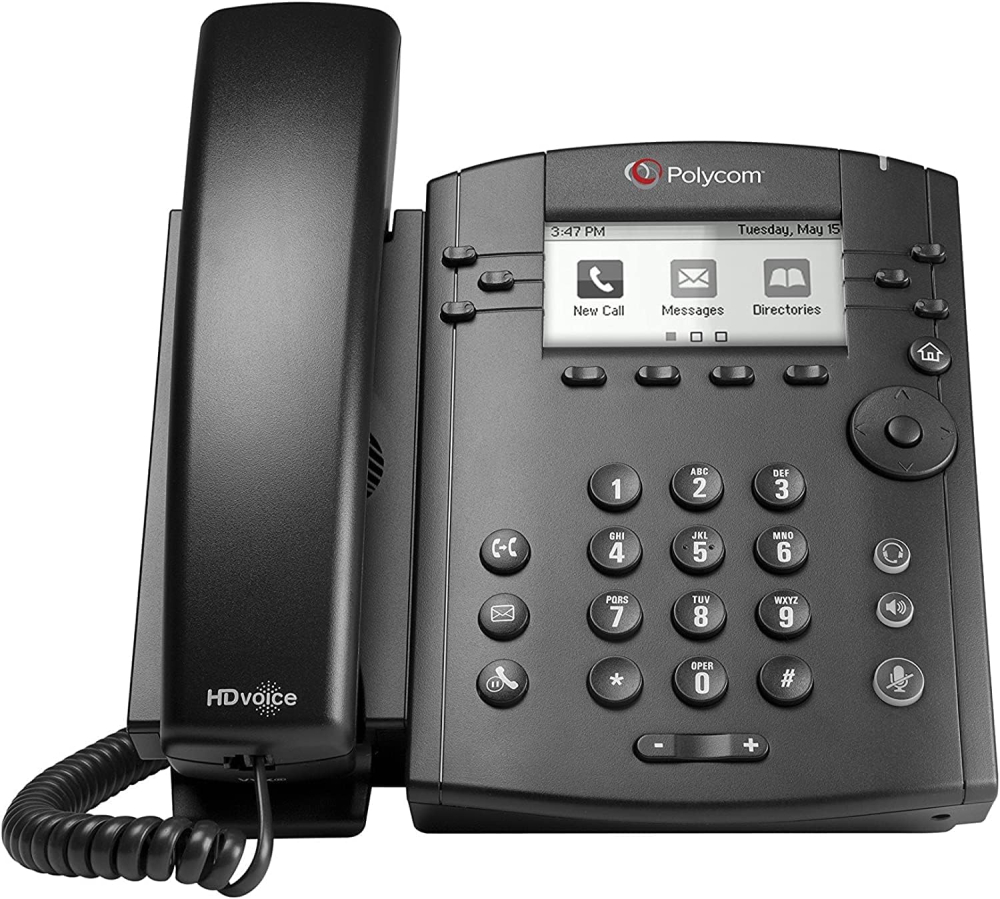
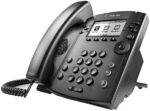
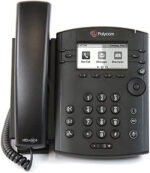
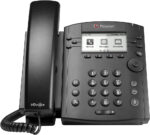
Now, I bought this for personal use so can’t comment on how good it is for office use today, but here goes.This is a Polycom VVX300, a desk phone that I think released in 2013 and has surprised me slightly. Its simple black casing definitely makes it feel a bit more pro than the Cisco SPA504G I once tried to set up, and while a bit on the chunky side that’s not a bad thing.The display is I think two inches diagonal and is monochrome, but I think that’s good. You don’t always need a massive display and the fact it’s monochrome just makes it easier to read in my opinion. You can set the backlight brightness in active or idle modes and can choose from four brightness values – high, medium, low or off. Personally when active I set the backlight to medium brightness and when idle it turns off completely.It was easy to set up for the most part. Out of the box mine had already been factory reset and switched to the generic profile, despite having a sticker on the back telling me it was set up for a Microsoft Lync server (remember that?) or a Skype for Business login. I went to the web UI and entered the details for both my lines and it picked them up right away. As for how you power it – well, you can either use an external power supply (not included here) or you can use a power over Ethernet (PoE) in-line injector or a PoE switch to send power over an Ethernet cable. I went the PoE injector route – you will need one that can output 48V.As a side note, this phone can have an impressive 34 lines registered! I imagine that’s only if you get the expansion module, but still, wow.Call quality is about what I expected. Typical phone quality but without the hiss. That I do like. The volume of the earpiece speaker is a little low but that could just be me. The loudspeaker however can get very loud. When it comes to the interface it can be a bit… Annoying to wrap your head around at first, but you get used to it. If you’ve used a Polycom desk phone before you’ll probably know it better than I do several times over.The only issue I had was with incoming calls not going through, and that ultimately is a network issue, not with the phone. I had to tell it its public IP address and set the keep alive packet interval to 30 seconds, and then all has been fine since.If you want a desk phone? Get one of these. They’re cheap and work very well. They may not be as modern but their firmware got its final update in September of last year. They may be EOL but they’re still good for quite a while.Good stuff.
Think Assemble Customer –
One tip… configure through your web browser, just don’t forget to put https:// before the IP address and accept the security risk notification, so much easier to configure using the simple mode through browser, near impossible to configure directly on phone. No instructions to configure for voipfone, but fairly straightforward once you are simple setup page! For £15 this is great value.
Lewis –
JUST TAKEN PHONE OUT OF THE BOX IT DOESNT EVEN TURN ON!!!
Christian –
Power cord was missing and had to return
Mark Loudon –
Whilst the device is new, it was surplus stock and therefore pre-configured for another cloud providers IP telephony service which needs to be unlocked before using with your own IP telephony solution. My device was polling Gamma server and tried to download it’s configuration which didn’t exist.Please be aware, you will need to do the following steps to factory reset the device back to it’s default position as the configuration and admin password is not the default Polycom password.To unlock:Please take note of the MAC address of the device, you will need this to return the device to factory settings and reset the admin password to 456.1. Whilst device is booting after the Polycom logo appears, press soft key for “starting application…” press cancel.2. Before timer counts down, press and hold keys 1,3,5 simultaneously for more than 2 or 3 seconds and release. “Enter password:” should appear3. Toggle the 1->Aa soft key and enter the MAC address without colons and all in capitals. Note: you will not see the actual entry as it’s starred out. To enter letters press the appropriate number key multiple times for the corresponding letter.4. If successfully entered, the device will reboot with the admin password of 456. You may have to enable the web interface from the phone to provision via the web interface which is an easier process once the phone has rebooted and in the idle state.
luis marques –
is very bad for connecion is very bad
Pedro Gonzalez –
Excelente audio
Fácil de configurar y sobresaliente calidad de audio. Verdaderamente una buena compra. Se adapta muy bien a cualquier tipo de oficina.
TONY DCRUZ –
accessories Missing
power cord and user manual missing
Scott M. –
No Power Cord But Not Needed For POE
No power cord which would have beennice to have when needed.The phone seems to work as expected, at least for POE.Fast Delivery and the phone is new as expected.Thanks!
Tra4Tra –
Good quality
Needed an extra phone for our office. Works great.