


















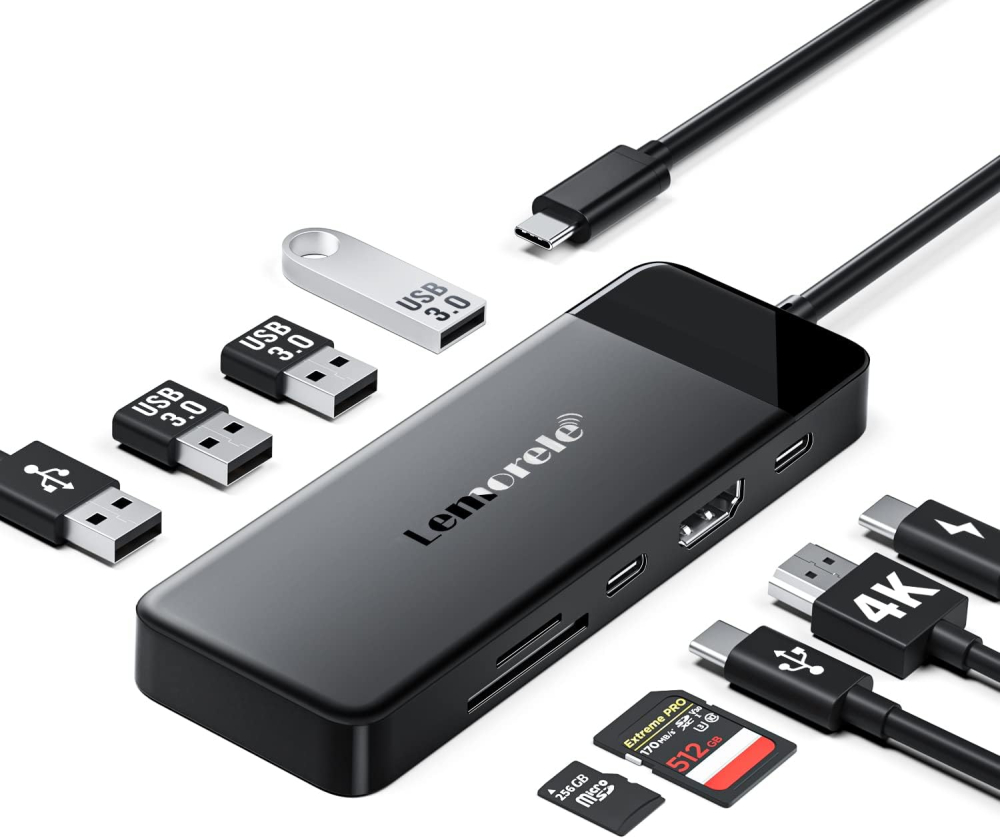
-20% Sold out

-
 Courier delivery under £30

-
Prime delivery

-
Manufacture Warranty 1 Year

-
Free 30-Day returns






Overview

| Weight | 80 g |
|---|---|
| Dimensions | 11.8 × 4.2 × 1.1 cm |
| Item model number | TC92 |
| Product Dimensions | 11.8 x 4.2 x 1.1 cm; 80 g |
| ASIN | B0C1N8SD84 |
| Guaranteed software updates until | unknown |
| Manufacturer | Lemorele |
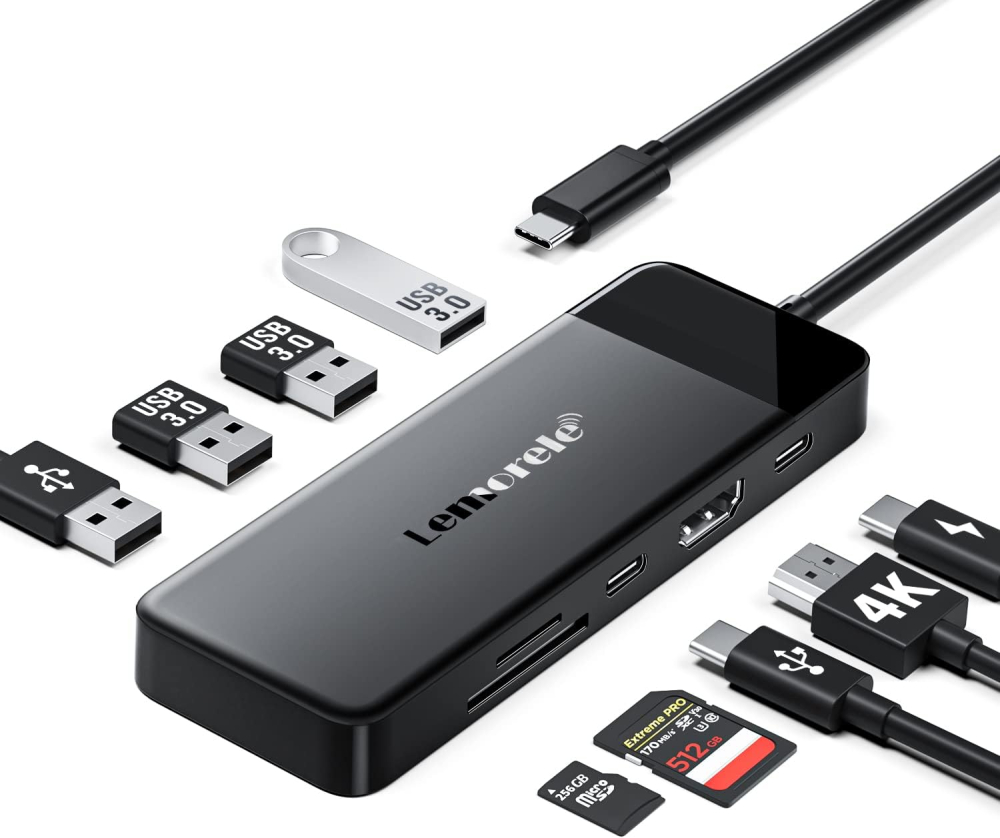
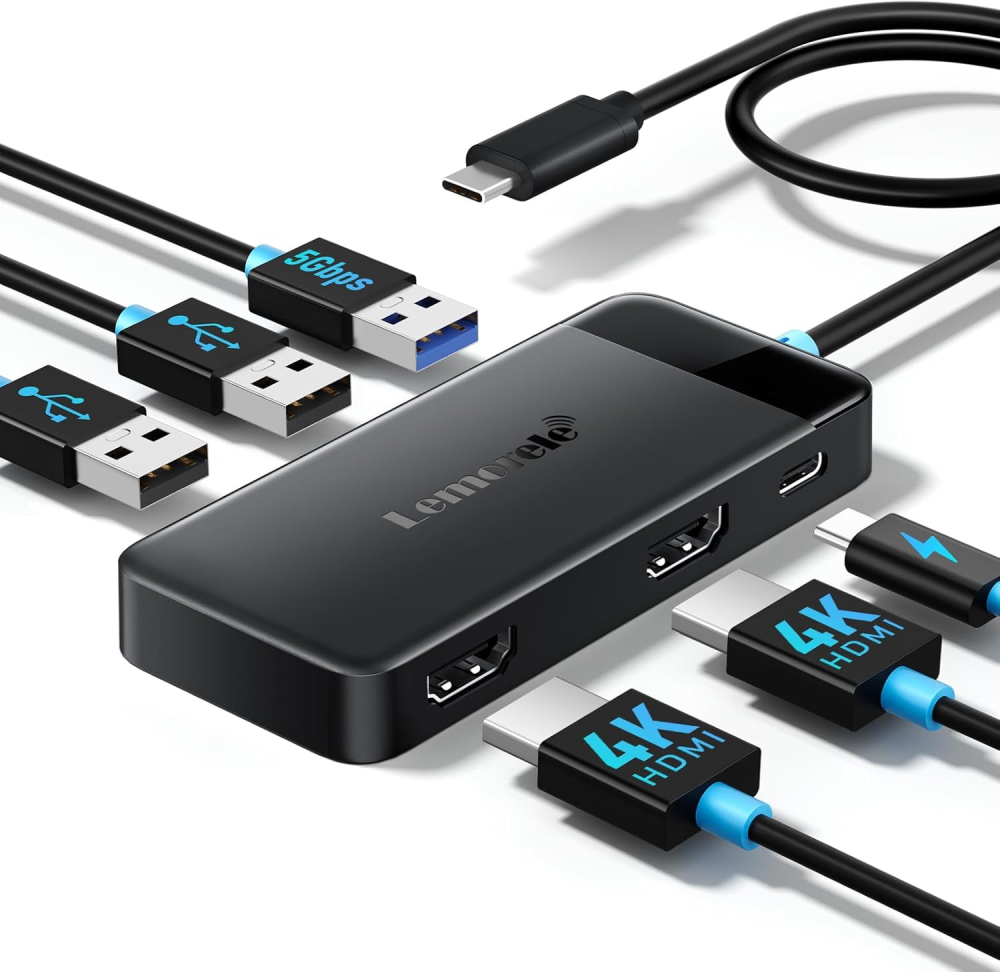
| Colour Name | 6 IN 1 Dual HDMI, Black(9 IN 1) |





Dave J H –
I originally purchased a 3 way USB C splitter cable. That particular splitter cable lasted 2 days before overheating and breaking. Safe to say that it has since been returned to Think Assemble. The best part is that the splitter cable that I bought, cost £5 more than this Dock, which is more of a HUB really, than a Dock. I should have done the smart thing, and bought this Dock straight off the bat.Now, even though this Dock, which is more of a Hub really than a Dock, has a HDMI connector, I won’t be using it. I don’t intend to have the Deck plugged into a TV.I bought this dock for the USB slots, as well as the SD Card functionality.I intend to use the Dock to increase my Steam Deck’s data storage capacity from 64GB, to 5TB in total. In that respect, this “Dock” functions perfectly. The Dock keeps the Steam Deck charged via Quick Charge, while also allowing me to expand on the Steam Deck’s Data Storage Capacity.Furthermore, it is lightweight enough that I can magnetise it, using magnetic tape, to fit on the back of my Steam Deck, without compromising weight or mobility, and in such a position that it doesn’t compromise either the heating vent’s or back plate buttons either.The Dock will allow me to attach 2 512GB Micro SD Cards, and a 2TB external NVME to the Dock, using various adapters and enclosures. Combine that with a 1TB internal NVME, and a 1TB Micro SD card, and that will provide 5TB of storage data, which will be more than enough for multimedia, emulator rom’s and Steam Games.It will break down into 2TB for Steam Games and the Steam OS, 2TB for emulators and rom’s, and 1TB for multimedia, all of which will be either in the Steam Deck itself, or magnetised to the back of the Steam Deck. After that has been sorted out, there should be one more USB slot free, which can be used to connect a wired Nintendo Switch Pro Controller to the unit if I choose to do so at a later date. At a pinch, it can be used to add even more storage, if I start running low.All of that can be run through this Dock by connecting the mains power to the Dock, and the Dock to the Steam Deck.The only port that this Dock is missing is the Ethernet Port, but, given the wireless capabilities of the Steam Deck, it really is no big deal.The Dock provides excellent expansion options for the price point, and, yes, it does maintain quick charge while also powering these devices.Be aware however, that there is no Ethernet Port on the Dock. There is also only 1 USB C port, which is for the main power cable. However, this should not be problematic, since most external devices are still using the USB 3.0 standard.Since I wanted to use the Dock to power multiple devices, whilst being plugged in at the mains, while also maintaining the Steam Deck’s mobility, I did not want to purchase a dock that I had to plug my Deck into to be able to use fully. From that perspective, this Dock fulfils my requirement’s perfectly, while also being relatively cheap. If it does break in 6 months time, I’ll just buy another one. It’s only £20. What do you expect for £20?More expensive Dock’s are available, which add the Ethernet to the Dock, but I am not sure that they add more USB C functionality.Don’t make my mistake. Don’t buy weak splitter cables to power external devices. Buy a slimmed down Dock like this instead. That is what the dock is designed for.
ian –
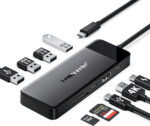
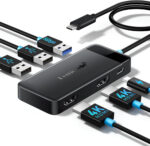
A very good docking station. he good points are – lots of connection options, 2 HDMI ports, 3 USB ports two 2.0 and a 3.0. I think the USB -C port is needed for power and the lead has to connect to a laptop with a USB – C port which most modern laptops now have. The bits Im not sure about are whether the HDMI ports are 4K, I couldn’t get it to recognise my 4K monitor but they are definitely both HD and work. Also the hub does get a little warm, which hopefully isn’t a problem. Also if plugged in to the laptop, even when everything is switched off, although I will have to keep an eye on this as I have only noticed this once, it seems to reduce the battery %. If the hub is connected to a power socket it still seems to draw power (about 7.5W) for no apparent reason? so bet to unplug everything / disconnect from the laptop. The build quality does seem good though, well worth the money as I have seen similar items cost 5 / 6 times more!
Matthew Karemera –
It works like magic for my MacBook Pro with M2 Chip but gets extremely hot. I’m so concerned about adding power through its Direct Power plug-in as it might over heat and explode or worse.If this shouldn’t be the case then I’m happy to exchange it for the same model that doesn’t heat up so much.
G –
Magic! Runs my hp laptop and 2x hp screens as a A-B-C . Showing 3 different views. Screens via hdmi. Works my wireless mouse via usb too. Top job
Buster F. –
Great value for money. Given how much I paid for this, I am very happy with it’s versatility, and performance. I can connect so multiple hard drives, wireless keyboard and mouse, and also have midi instruments connected at the same time. The speed is very good. I usually only have it connected to my laptop, but there are devices that seem to need extra power and when those are plugged in, I must connect the usb hub to a power source then it will work. It does not seem to ever heat up. It’s easy to use; it’s pretty much plug and play. You cannot use this to connect your laptop to an extra screen, but they say so. I’m glad with this purchase and I’d make it again.
Stephen Doherty –
Well-packaged. Instructions clear. Easy to set-up. Worked first time and makes lifting the laptop from the desk and taking it to a meeting room a lot simpler
Andrew Smallwood –
Great when it works. However, I’ve had several issues with the connections. A period of a day or so when the laptop would not charge when connecting to it, but then miraculously started working again later. Right now I am sitting with neither HDMI ports working with my laptop. When they previously worked fine. There doesn’t seem to be a reason behind this, but no amount of unplugging, disconnecting, cleaning and reinserting cables makes any difference.Would like to score it higher. But a product that works for a few weeks and then stops points to shoddy build quality rather than a technical fault with this specific unit. The laptop remains stationary most of the time and aside from trying to trouble shoot technical issues it hardly moves.
Connor West –
When it works it’s great.But can be annoying to get it working.Alot of un plugging and plugging back in
Mauro Gi –
Affidabile, leggero, piccolo ed economico: praticamente una mini docking station
PREMESSA: me ne intendo abbastanza di informatica in quanto sono nel settore, per passione e/o lavoro da oltre 30 anni.Come al solito cerco di non dilungarmi in questa recensione ed andare direttamente ai punti importanti.Nell’acqusito di questo hub usb-c/docking station ero alla ricerca di un prodotto che:- mi permettesse, collegando un solo cavo usb-c al mio notebook, di caricarlo, collegare un monitor esterno, e alcune periferiche USB (principalmente tastiera, mouse e una chiavetta usb).Avevo gia’ provato con altri hub usb-c/docking molto piu’ costosi (attorno ai 90 euro) ma ero rimasto deluso perche’ avevano sempre dei problemi: o non caricavano il mio notebook (che richiede almeno 60w) o l’uscita video non era affidabile (funzionava ad intermittenza).Non mi aspettavo molto da un prodotto decisamente piu’ economico, ma ho deciso di provare e sono rimasto piacevolmente soddisfatto: mi permette di fare tutto quello che avevo in programma. Ecco i pro e contro:PRO:- il power delivery (PD) da 100w funziona effetivamente: collego l’alimentatore del mio notebook (130w) all’hub e l’alimentazione viene trasferita al notebook evitandomi di collegare l’alimentatore direttamente al notebook e lasciandomi quindi una porta libera sul notebook (e piu’ immediatezza). Non ho capito se l’hub eroghi effettivamente 100w o meno (forse 87w come riportato in una foto), comunque sicuramente piu’ dei 60w necessari alla ricarica del mio notebook. Questo aspetto rende il dispositivo una piccola docking piuttosto che un semplice hub.- l’uscita video HDMI dell’hub e’ affidabile e funziona sempre: in altri prodotti avevo faticato a trovare affidabilita’ in questo aspetto: il monitor o non funzionava o funzionava ad intermittenza. Verificate pero’ che il vostro notebook supporti l’uscita video sulla USB-C (in genere indicata come Thunderbolt 3 o 4).- piccolo, leggero e scalda poco: e’ di plastica, ne troppo economica ne troppo robusta, ma sembra adeguatamente robusto per un uso normale, anche in viaggio. Dato che scalda poco (diventa solo leggermente tiepido), il fatto che sia di plastica e non di alluminio non e’ particolarmente limitativo ed aiuta a contentere il peso. E’ quindi particolarmente adatto all’uso in mobilita’.- AGGIORNAMENTO DEL 25/08/2023: segnalo che la docking carica/alimenta i dispositivi USB anche quando il notebook e’ scollegato dal cavo USB-C; a patto ovviamente che l’alimentatore sia connesso alla docking. Cio’ permette ad esempio di caricare un cellulare connesso ad una delle porte USB della docking, oppure continuare ad utilizzare dispositivi USB come ventilatori/lampade. Trovo utile questo comportamento.CONTRO e ASPETTI MIGLIORABILI:- il cavo di connessione al notebook e’ corto: circa 15cm. Io tengo il notebook su un sostegno che solleva lo schermo, e in questo caso l’hub rimane penzolante. Avrei preferito almeno 30cm di cavo. A dire il vero avrei preferito anche che il cavo fosse sostituibile, ma pochi hub lo permettono.- avrei preferito una doppia uscita HDMI indipendente (due monitor con schermate differenti): nel mio caso sarebbe stata utile… certo ho visto che non ci sono prodotti altrettanto economici che la prevedano, quindi sarei disposto a spendere un po’ di piu’ per un hub/docking che supporti due monitor indipendenti.
PAULA OSMA ALVEAR –
Cumple su función
Son tal y como se ven en las imágenes, y calidad precio genial, cumple con su función. Además, de la rapidez del envío.
Aleyrac –
Port USB c ne fonctionne pas
C’est le 2ème HUB que j’achète chez amazon. Celui-ci a le même défaut que le précédent.Je ne sais plus quoi acheter.
Peter M –
Heel blij mee.
Gekoppeld aan de chromecast tezamen met 2 usb sticks. Werkt voortreffelijk. Wel zorgen dat je een voldoend zware voeding hebt.
Veton Bakalli –
prise HDMI qui ne fonctionne pas
Je suis très décu de cette achat je pensais pouvoir profiter en regardant des films sur ma télé directement,malheuresement le cable HDMI ne fonctionne pas et donc cette achat adaptateur ne me sert absolement a rien.