


















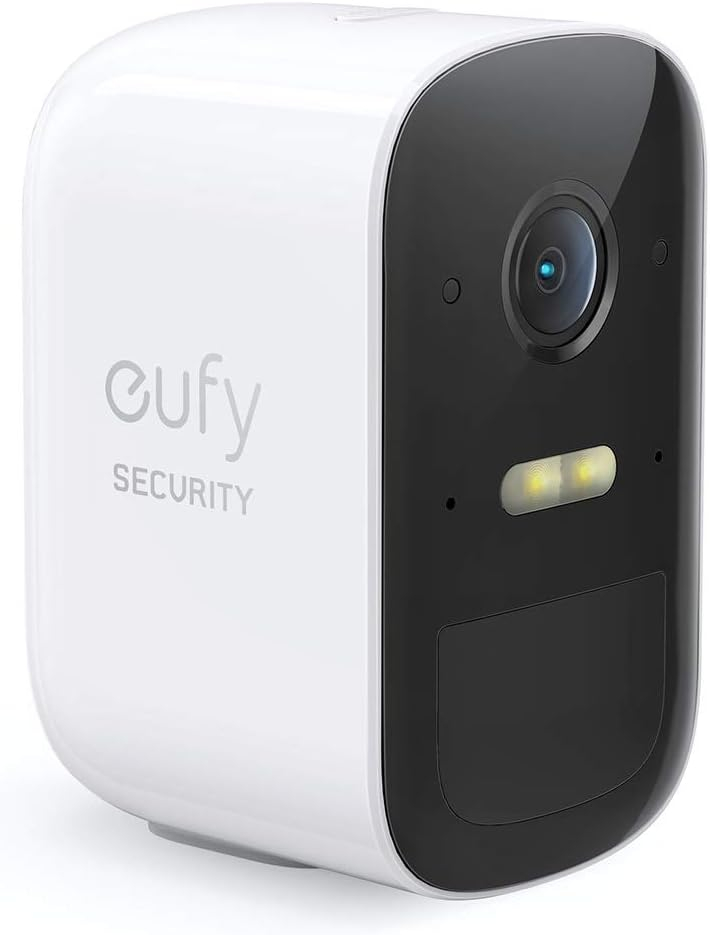
eufy Security eufyCam 2C Wireless Home Security Add-on Camera, Requires HomeBase 2, 180-Day Battery Life, HD 1080p, No Monthly Fee
Original price was: £99.99.£72.35Current price is: £72.35.
-27% Sold out
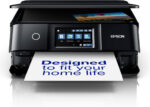

-
 Courier delivery under £30

-
Prime delivery

-
Manufacture Warranty 1 Year

-
Free 30-Day returns






Overview

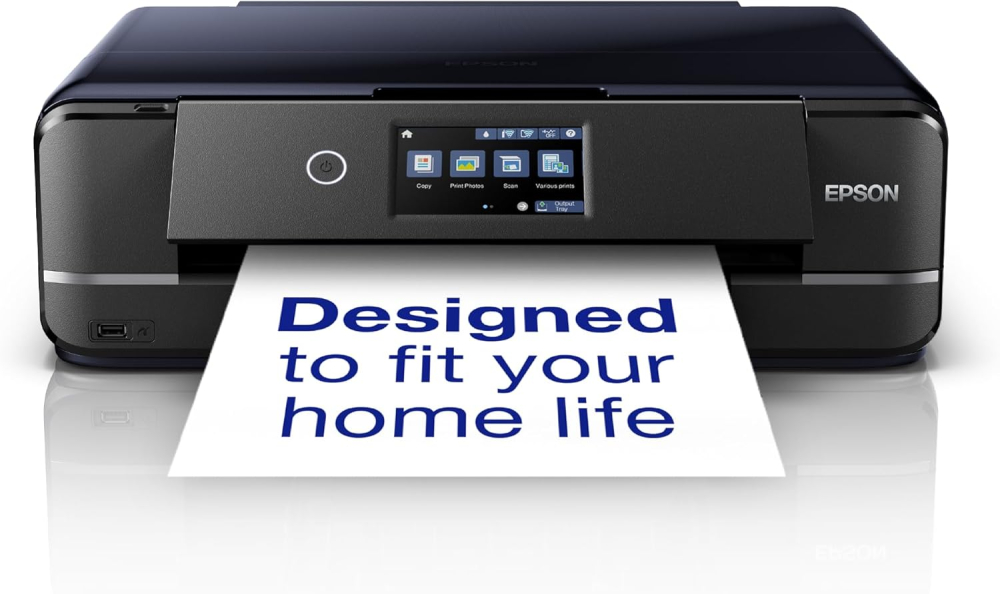
| Weight | 8790 g |
|---|---|
| Dimensions | 3600 × 4800 × 1500 cm |
| Product Dimensions | 36D x 48W x 15H centimetres |
| Controller Type | Android |
| Maximum Supported Paper Size | A3 |
| Power Consumption | 20 Watts |
| Included components | Main unit, Power Cable, Setup guide, Software (CD), Warranty document, What’s in the box – Individual Ink Cartridges |
| Print media | Glossy photo paper |
| Scanner type | Flatbed |
| Max input sheet capacity | 120 |
| Max copy speed (black and white) | 10 ppm |
| Compatible devices | Smartphones, Tablets |
| Maximum colour print resolution | 5760 x 1440 DPI |
| Sheet Size | A4 |
| Maximum black and white print resolution | 5760 x 1440 DPI |
| Colour depth | 36 bpp |
| Dual-sided printing | Yes |
| Printer resolution colour vert. max. | 5760 Centimeters |
| Maximum copies per run | 1-99 |
| Wattage | 20 watts |
| Item model number | XP-970 |
| Form factor | All-in-One |
| Processor Count | 1 |
| Connectivity Type | Wi-Fi |
| Number of USB 2.0 Ports | 1 |
| Number of USB 3.0 Ports | 1 |
| Hardware Platform | Smartphone, Tablet |
| Operating System | Mac OS X 10.6.8 or later, Windows 10, Windows 7, Windows 8, Windows 8.1, Windows Vista, Windows XP SP3, XP Professional x64 Edition SP2 |
| Are Batteries Included | No |
| Item weight | 8.79 kg |
| Guaranteed software updates until | unknown |
| Date First Available | 17 Sept. 2019 |
| Manufacturer | Epson |
| Pattern Name | Without Additional Ink Multipack |
| Style Name | XP-15000, XP-6100, XP-65, XP-7100, XP-8700, XP-970 |




Matt Welbourn –
Very happy with this all in one printer. It prints reliably from my phone, iMac and iPad, produces excellent quality images on gloss or matt photo paper and also works well as a photocopier for occasional use. The original ‘starter’ ink cartridges seemed to last quite a long time and I’ve had no problems with poor quality printing even if it hasn’t been used for a while. Original inks aren’t cheap (£55/set of 6) but they are probably no more expensive than similar printers.It’s also easy to set up and use. Downloading the Epson Print App adds functionality and more control when you are printing outside of mainstream applications.
Belle –
(Review for epson XP 15000 model)(Photo is a close up of the printed gray lines, the blue parts are my masking fluid)Working with 300gsm/130-140lb watercolour paper? (In my case, arches hot pressed) This printer will print on it!Needed a printer that would take arches hot pressed 300gsm paper, and after sifting through the net, i came across a post that stated this printers previous model printed on that exact paper, however it had been discontinued, but the link to this printer was there subtitled that this model was the ‘upgraded latest version’ of the printer i wanted.I wanted such a printer in order to print digital drawings I’ve made on my tablet to paint. I was previously drawing, then tracing using a light box onto my watercolour paper.Although the online manuals at epson say you should only use heavy epson paper, I bought it anyway after seeing in other places that this prints on up to 130lb/300gsm paper either way. And it certainly does.After going through the set up, to align the print heads correctly after all that shipping (dont rush that part, its REALLY important, so you dont get streaky print outs), i set the back feed to A3, paper type to thick in the printers settings, loaded up epson iprint on my tablet, set the feed to rear in the apps print settings, and test printed on a thicker standard a3 paper which i believe is 80gsm. So far so good. The print quality is fabulous.Then i placed my arches paper in the back feed (which i must add, epson say only add 1 sheet at a time if using 300gsm paper), And tapped print.I watched as the paper went through without a hitch, and have a wonderful printed image for me to paint on.Highly reccomend for those looking for a suitable printer for 300gsm paper all in all.The printers interface is simple for setting up, but a bit long winded when having to put in your wifi password,but thats okay as i cant imagine id be having to navigate the printers keyboard often if ever again! You can also use the quick connect to connect the wifi if your router has that button.It also has settings for different types of paper. I just have mine set for plain paper and paper type as thick.It prints on CDs and labels and envelopes, but i wont be doing that anytime soon and im confident it will be easy to set up should i ever need to. There are manuals online should i need to consult them.Really really happy with this purchase. And the price is phenomenal. Epson win again!
lloyd reid –
I bought this to replace my Epson Expresion Xp-6000 that has developed printing faults after many tears of perfect service. The XP series print on CD’s. After 2 years of owning it I can report this printer has met all my requirements, its speedy and print quality is high with both black & white or colour with man printing options.It’s very easy to set up and printing is easy via the wi-fi connection. The direct printing onto a CD function is easy to use.Replacement printer cartridges are easy to source and easy to swap out. Highly recommend this Epson printer.
Andy –
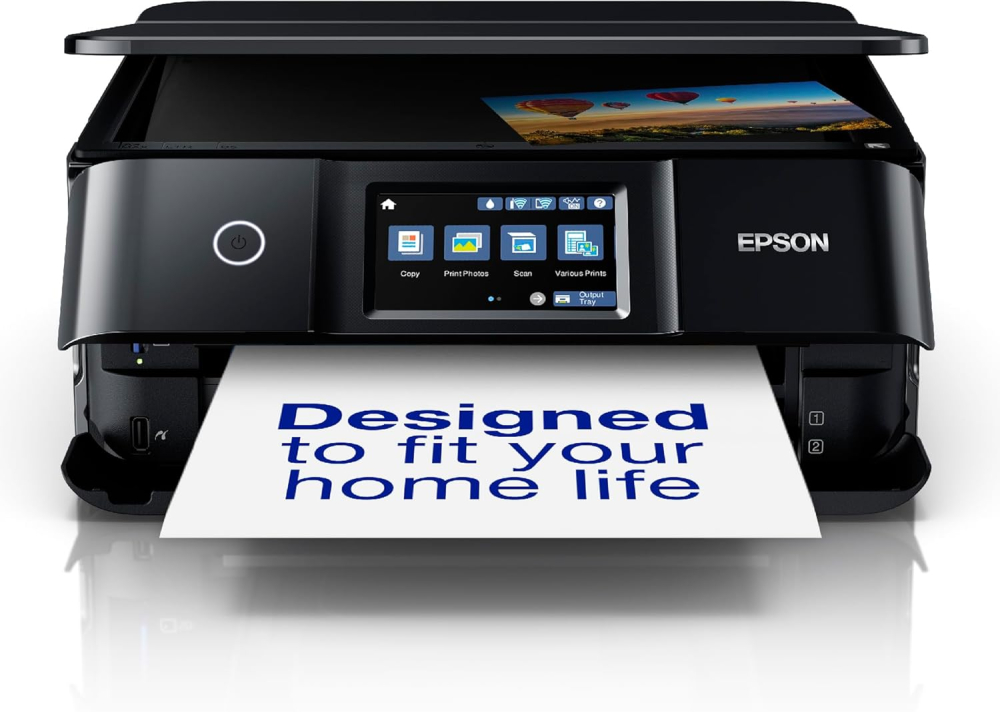
As someone who frequently juggles home office documents, the kids school projects, and a passion for printing cherished family photos and making CD/DVDs, finding a single printer that excels at all these tasks can be a challenge. After careful consideration, I invested in the Epson Expression Premium XP-6100 A4 Multifunction Wireless Inkjet Printer, and I am genuinely impressed by its capabilities. This isn’t just a printer; it’s a versatile creative hub, deserving of its “Premium” moniker.Documents: For everyday text documents, the dedicated pigment black ink delivers crisp, sharp, laser-like text that is incredibly easy to read and looks professional. Even fine print retains remarkable clarity.Graphics & Presentations: When it comes to charts, graphs, and colour documents, the vibrant dye inks truly pop. Colours are accurately reproduced, with smooth gradations and excellent saturation, making presentations and reports visually engaging.Photo Printing (The Star of the Show!): This is where the XP-6100 truly excels. With its additional photo black ink, the printer produces stunning, gallery-worthy prints. The depth of colour, the fine detail, and the smooth tonal transitions are truly exceptional, rivalling outputs from dedicated photo printers. Whether it’s a vibrant landscape, a detailed portrait, or a black and white print, the results are consistently breath-taking. I’ve printed numerous photos on various Epson photo papers, and each time, I’m genuinely surprised by how professional they look. Borderless printing is a breeze and adds to that premium feel.Now, for a vital piece of advice that will ensure you unlock the XP-6100’s full potential: take your time with the initial setup.Like any sophisticated piece of technology, proper setup is paramount. It’s not overly complicated, but rushing through the steps could lead to less-than-optimal results down the line. Read the Instructions, go through the included setup guide carefully, step by step. Epson has made it quite visual and easy to follow. Setting up the wifi was a breeze, helped by step by step instructions on the printer screen.If you’re looking for a versatile device that delivers professional-grade results for both everyday documents and cherished memories, and you’re willing to invest a little care into its initial setup, the XP-6100 comes with my enthusiastic and wholehearted recommendation. It’s a truly premium experience.
John Buckley –
Epson printer
Nice looking printer will print on cds as well
Hessah –
دقة بالطباعة
جميييله ودقة في الطباعة والسعر مناسب جدا انصح فيها وبقوه
Dmitri Levin –
Ок!
Ок!
Think Assemble Customer –
C’est marche
livraison efficace
bob43 –
CORRESPOND A L ATTENDU
Quelques difficultés pour l’installation, mais fonctionnement parfait une fois celle-ci faite