


















Back to products

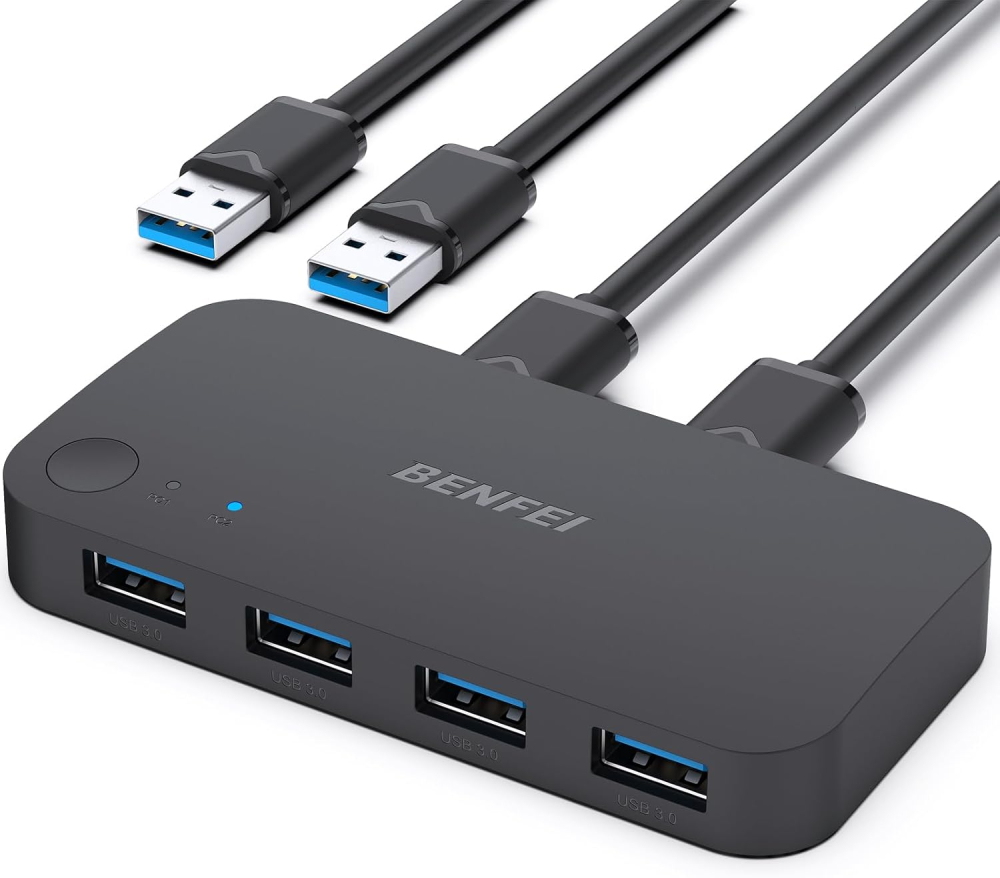
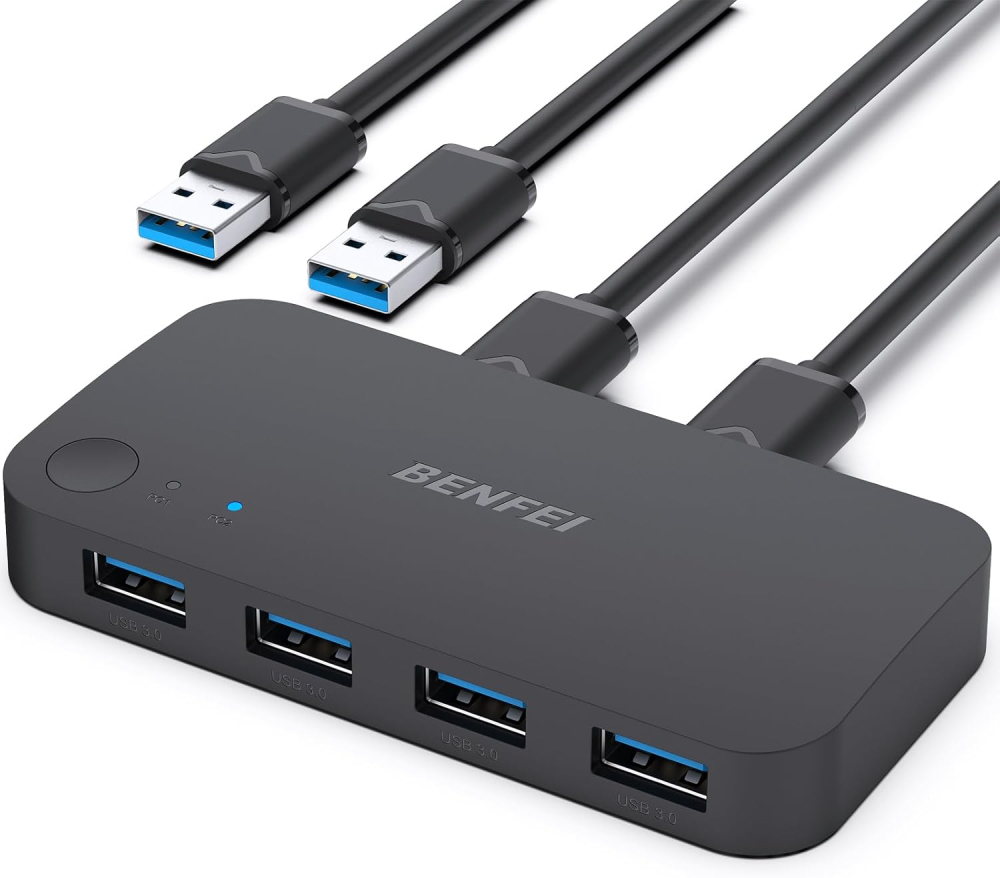
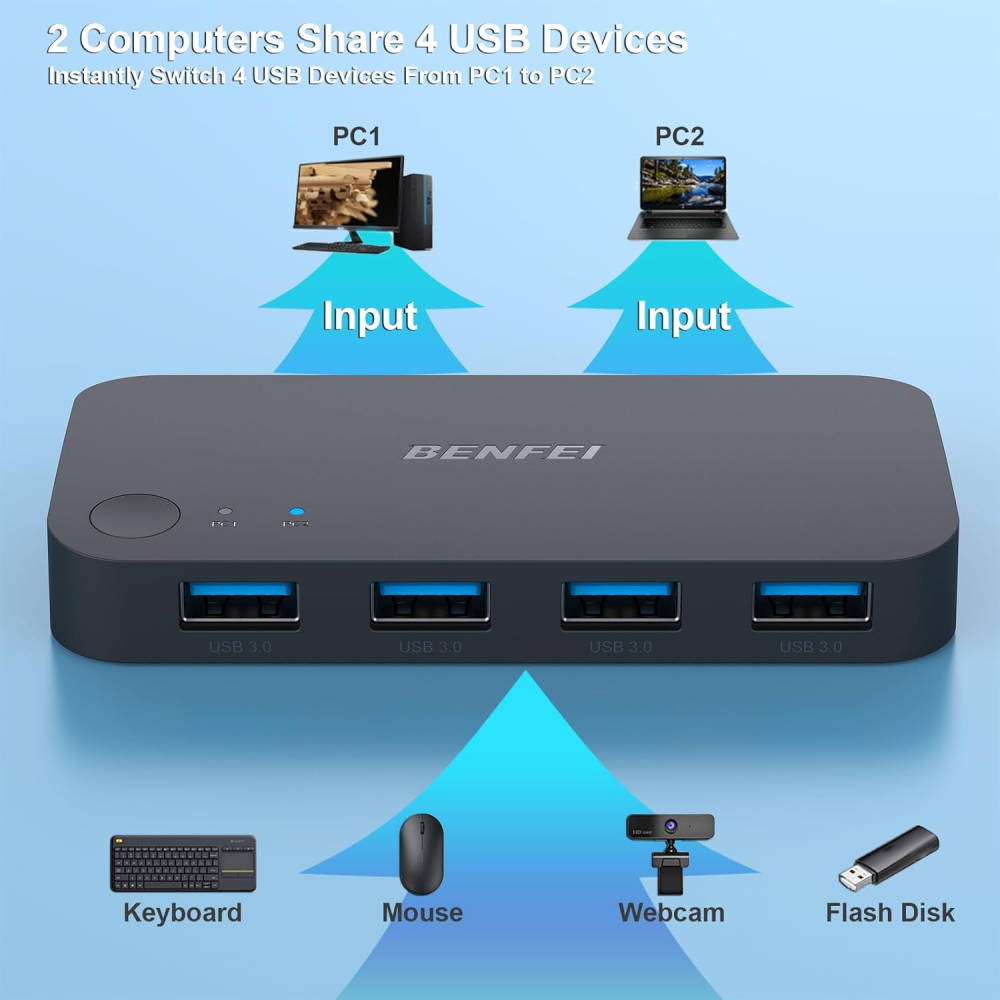
USB 3.0 Switch for 2 Computers Share 4 Ports - KVM Switcher for PC Mouse Keyboard Printer Scanner - Compatible With Windows, Mac, Linux
Original price was: £20.15.£16.37Current price is: £16.37.
-19% Sold out

-
 Courier delivery under £30

-
Prime delivery

-
Manufacture Warranty 1 Year

-
Free 30-Day returns






Overview

| Weight | 210 g |
|---|---|
| Dimensions | 28.7 × 27 × 4.9 cm |
| Brand | BENFEI |
| Package dimensions | 28.7 x 27 x 4.9 cm; 210 g |
| Item model number | 000354black |
| Colour | Black |
| Operating System | Plusieurs systèmes d’exploitation |
| Are Batteries Included | No |
| Item weight | 210 g |
| Guaranteed software updates until | unknown |
| ASIN | B0CHY8L11W |
| Date First Available | 18 Sept. 2023 |
| Manufacturer | BENFEI |



Mark Blackwell –
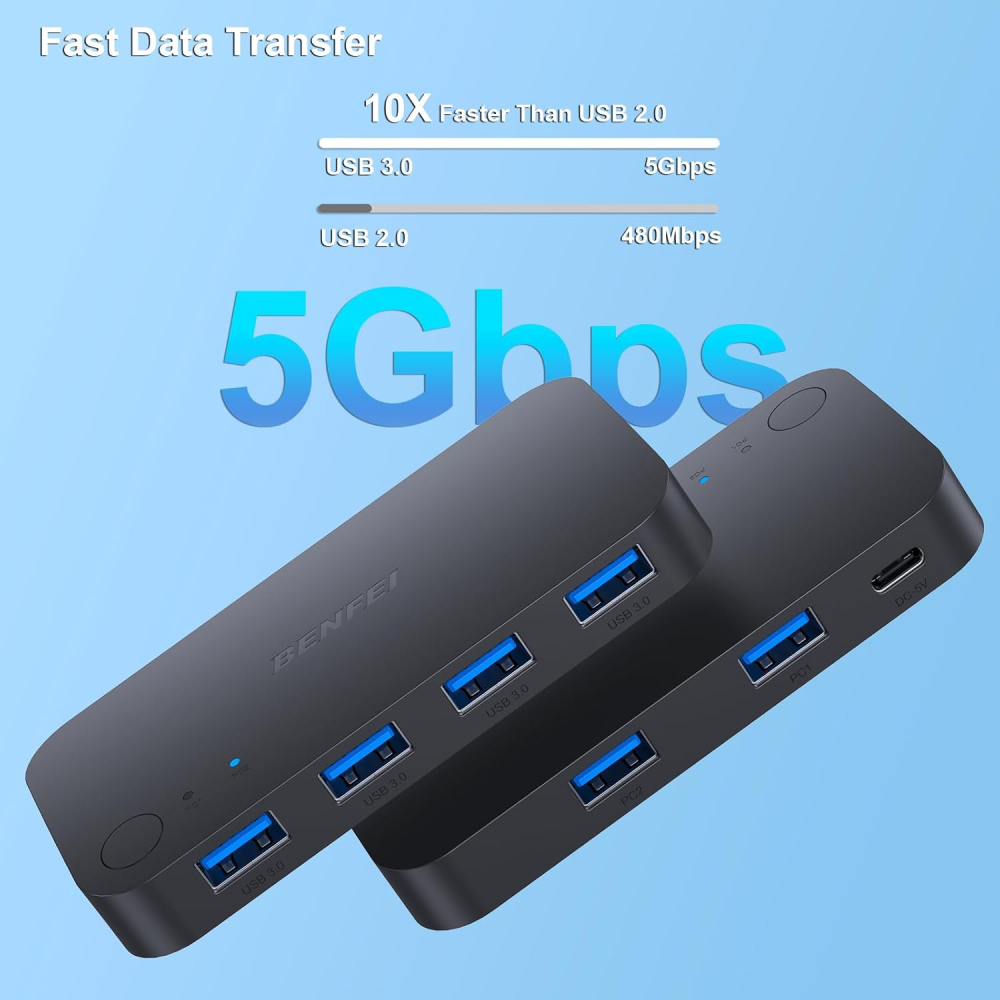
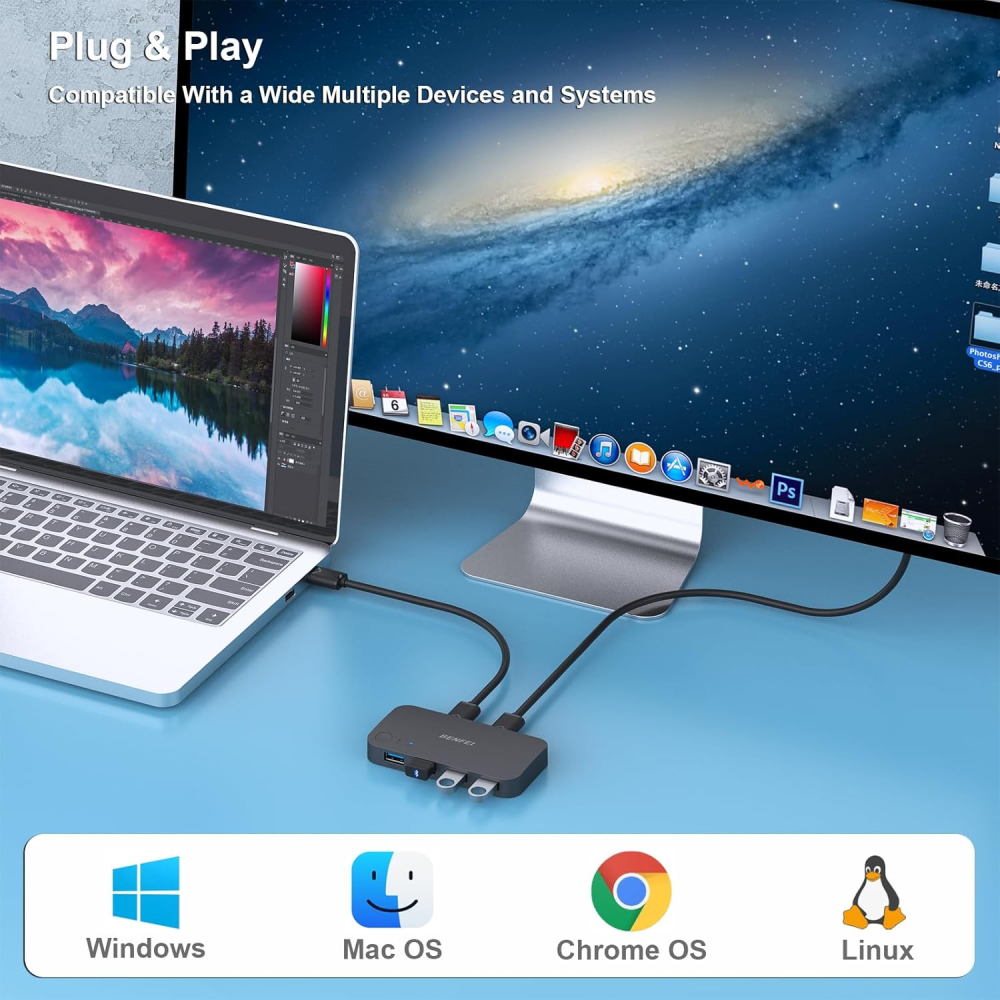
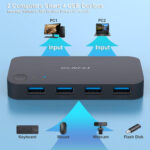
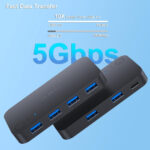
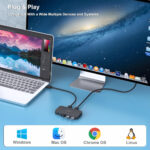
This USB 3.0 switch has been a total game-changer for my home office. I use two computers for work and personal use, and being able to share my keyboard, mouse, and printer between them with just the press of a button is incredibly convenient.Setup was plug-and-play—no drivers needed, and it worked straight away on both Windows machines. The switching is instant, and I’ve had no issues with connectivity or performance. All the USB 3.0 ports deliver fast transfer speeds, perfect for external drives or scanners too.The build quality is solid, and the indicator lights make it easy to see which computer is active. It’s compact enough to sit neatly on the desk without adding clutter.If you’re running a dual PC setup and want to streamline your workspace, this is a brilliant bit of kit. Reliable, fast, and fantastic value—highly recommended.
D Mitchell –
I use this switch to share my keyboard, mouse, and a couple of other USB devices between my work laptop and my home PC. It’s very straightforward, just press the button on top to toggle between the two machines, and the LED clearly shows which one is active.Setup was plug-and-play with no drivers needed, and both computers recognised my devices instantly. USB 3.0 speed is more than fast enough for my needs, and everything feels responsive.For me, the big win is the convenience – no more constantly unplugging and re-plugging cables when switching between work and personal use. It just works.
Nimesh –
Wanted a quick way to flick my DAC between my work laptop and personal laptop whilst they’re both on, as only one is using my Dell USB-C dock and I may want to pipe my personal laptop audio through my sound system, rather than my work laptop (that is docked in). This is a sure fire quick way to switch the DAC between laptops as I was getting tired of plugging/unplugging a USB cable and hence increasing unnecessary wear and tear on ports.Granted there is no large power requirement for this so I’ve not tested anything drawing substantial power such as external HDDs or anything else similar (and hence likely requiring the supplementary power via the power connection) – but for simple input devices it’s top dog, works as intended without any weird glitches and a great price to boot. A 2-way would have done but for the price just opted for a 4-way because, well, why not!Notably, you get two high quality male USB-C to female USB3 converters in the box and you’ll be paying £5.69 from Benfei for 3 of these – this was a nice bonus and makes it even more worthwhile, as I don’t remember reading anywhere that 2 of these are included. For the £12 or so for this package, great value and glad I opted for it over a rival brand.
Carlos T –
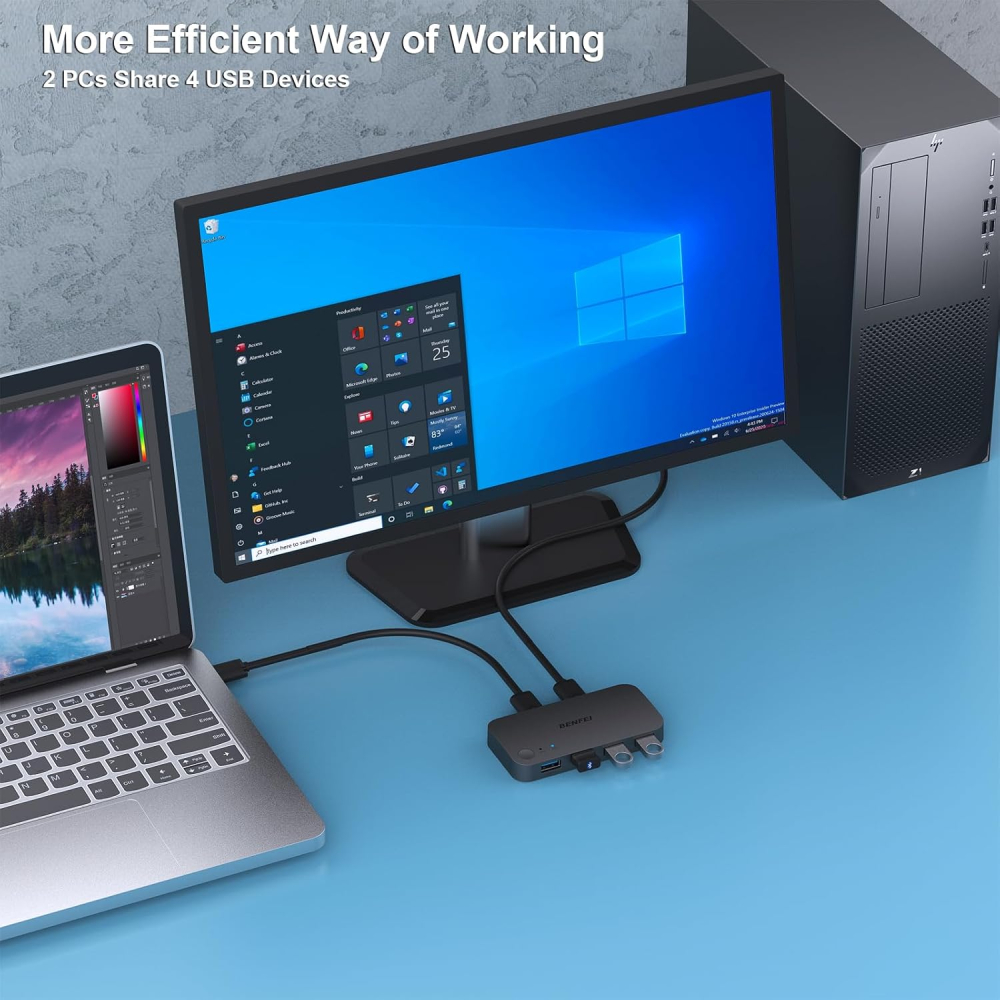
My wife sometimes works from home, but the laptop she has been issued is a little on the small side, so we use her desktop monitor via an extra cable to give her a larger working screen. But she couldn’t use her mouse and keyboard without unplugging them every time, which gets tiresome. This is perfect for resolving that problemIt is simple to set up, just plug the provided USB cables into each computer and the relevant ports on the device, then plug the mouse and keyboard into the USB ports on it. The switch on the top works flawlessly, if with a slight delay (milliseconds, not really a problem). Now all she needs to do is plug the relevant cable into her laptop when working from home. Easy.Although she only needs two USB ports, this has four, and they work well for her needs. USB memory sticks work without a problem, data transfer doesn’t seem to be affected too much, and there’s no real slowdown unless you’re transferring a lot of data at once. We haven’t used this for devices that need USB power, so I can’t speak to that.It’s made of a lightweight plastic, but unless you plan on throwing it around the room or stamping on it, I expect it will last for a few years in normal use. It seems strong enough to withstand the rigours of daily use. It’s worth mentioning that it comes with a double-sided sticky pad, so it can be stuck in place on a desk if required. Overall, she’s happy with it.
Roshan Kuriakose –
Works pretty much exactly as advertised at pretty easy to install four ports seem to be enough for my purposes uses usb 3.0 which is pretty nice.Seems to be decent quality as well.The only thing to watch out for is not two daisy chain any other USB hub managers into this one I had another one which I connected to this and that resulted in a fatal error and reboot from Windows.Though Should be pretty obvious to most people I was just not paying attention at the time. Have since disconnected that and wired things up properly and everything works fine.
Florrie Holloway –
It was working really well until it didn’t turn on one day and I went to check and I saw it had melted. Seems like a fire hazard so couldn’t possibly recommend. I’m lucky it didn’t damage any of my peripherals but not impressed.
S. Rous –
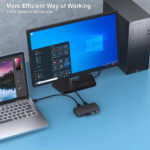
So far so good it’s small, compact and does what it says on the tin. It not only acts to expand and provide additional USB Ports from a one or two USB connections from a PC/Laptop but also allows sharing between two devices.I have successfully shared a Bluetooth Keyboard/Mouse and Wired/USB Headset and all work fine.The other bonus I’ve discovered is that I don’t need to power the device individually, the power provided by the USB ports connected suffices for what I am using. There is an option for an option USB C Power connection if required.If you are sharing a monitor you will require a monitor that has multiple inputs one to each device and I have to manually toggle the monitor in order to switch between devices. This is much easier than continually having to unplug USB devices. It also comes with required USB cables with USB C adaptors too. Overall I think it is good value for money.
Neville Longbottom –
after about 6 months one of the cables stopped working, takes about 3 seconds to swap but it’s okay if you want something cheap
Michal K –
Działa ok
Działa bez zarzutu z Logitech G502 Hero + Logitech G915 X. Jedyny wymóg to użycie dołączonych kabli USB 3.0. Jak wymieniłem jeden z kabli na deleyCON 0,5m USB 3.0 – Super Speed 5Gbit/s to były problemy z komunikacją.
J –
Works well, no input lag.
Works very well, swapping devices between two PCs
Luca B. –
Funziona alla grande per usare attrezzature su più PC!
Ho acquistato questo switch perché volevo usare le stesse periferiche su entrambi i pc (un win e un mac entrambi fissi) senza dover scollegare e ricollegare ogni volta. Dopo qualche settimana di utilizzo, ecco le mie impressioni:🔌 Setup semplice e immediato – collegare i due PC e le periferiche è stato facilissimo, plug & play e senza driver strani da installare.💻 Commutazione rapida e comoda – basta premere un pulsante per passare da un computer all’altro, con tutti i dispositivi (tastiera, mouse, monitor, hard disk esterno) che vengono riconnessi correttamente e subito.📈 Funziona bene con più periferiche – posso condividere 2 porte video più USB e tastiera/mouse tra due PC in modo molto efficiente, senza lag evidente o problemi strani.🖥️ Risparmio di spazio e cavi – la scrivania è molto più ordinata e non devo più avere doppie periferiche, il che è comodissimo se si lavora con più macchine.👌 Qualità costruttiva solida – il dispositivo è compatto, stabile e compatibile con Windows, Mac senza intoppi.➡️ Consigliato se usi più PC con le stesse attrezzature e vuoi evitare di cambiare continuamente cavi o avere tastiere e mouse duplicati sulla scrivania.Un acquisto super funzionale per chi ha configurazioni con due computer ma vuole un setup pulito e facile da gestire.
BK –
Just what I needed
Lightweight but strong, stable plastic build. I like that the cables are long enough and still perform well. Only complaint is that the button is recessed, rather than sticking out, so it takes some getting used to, especially if you mount it under your desk like I have.Using it primarily for my audio interface, USB eLicenser and mouse and keyboard for seamless switching between my Windows PC and MacBook. Transfer speeds are acceptable when connected to external drives. TAKE NOTE: This device doesn’t send enough power for SSDs and portable HDDs to work. Those need to be directly connected to the computer – but self-powered external drives work well with relatively comparable speeds to direct connection.In all, good device, for what I paid for it, best deal out there
Martin D. –
Praktischer USB-Switch für Homeoffice-Anwendungen
Ich nutze den USB 3.0 Switch im Homeoffice, um Maus und Tastatur zwischen zwei Computern zu teilen, und er erfüllt seinen Zweck ziemlich gut. Der Wechsel zwischen den Geräten geht schnell und unkompliziert, und die meisten Peripheriegeräte werden ohne zusätzliche Treiber erkannt.Positiv ist die Plug-and-Play-Funktionalität sowie die kompakte Bauweise, die den Switch unauffällig auf dem Schreibtisch platzieren lässt.Fazit:Ein praktisches und funktionales Gerät für den Homeoffice-Einsatz, besonders wenn man einige USB-Geräte zwischen mehreren Computern teilen möchte. Für maximale Stabilität sollte man auf kurze Kabelwege und getestete Geräte achten.