


















-25% Sold out

-
 Courier delivery under £30

-
Prime delivery

-
Manufacture Warranty 1 Year

-
Free 30-Day returns






Overview

| Weight | 1 g |
|---|---|
| Dimensions | 7.1 × 2.6 × 1.6 cm |
| Brand | TP Link |
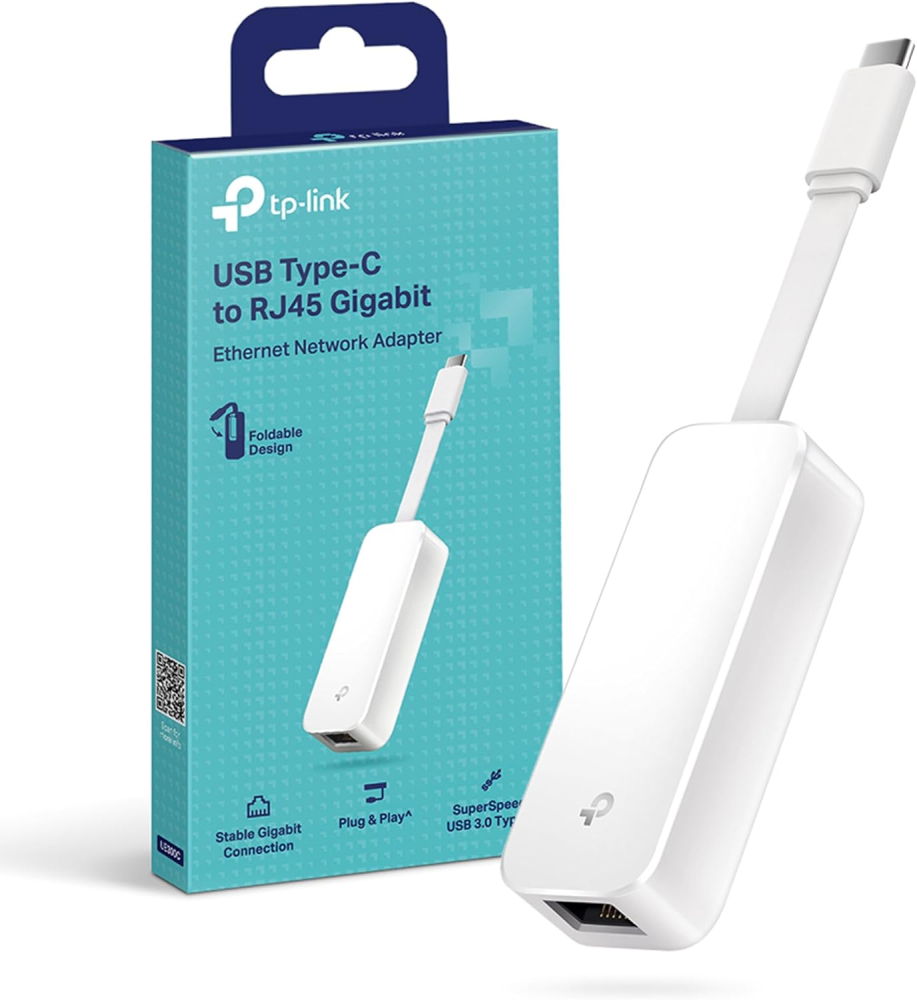
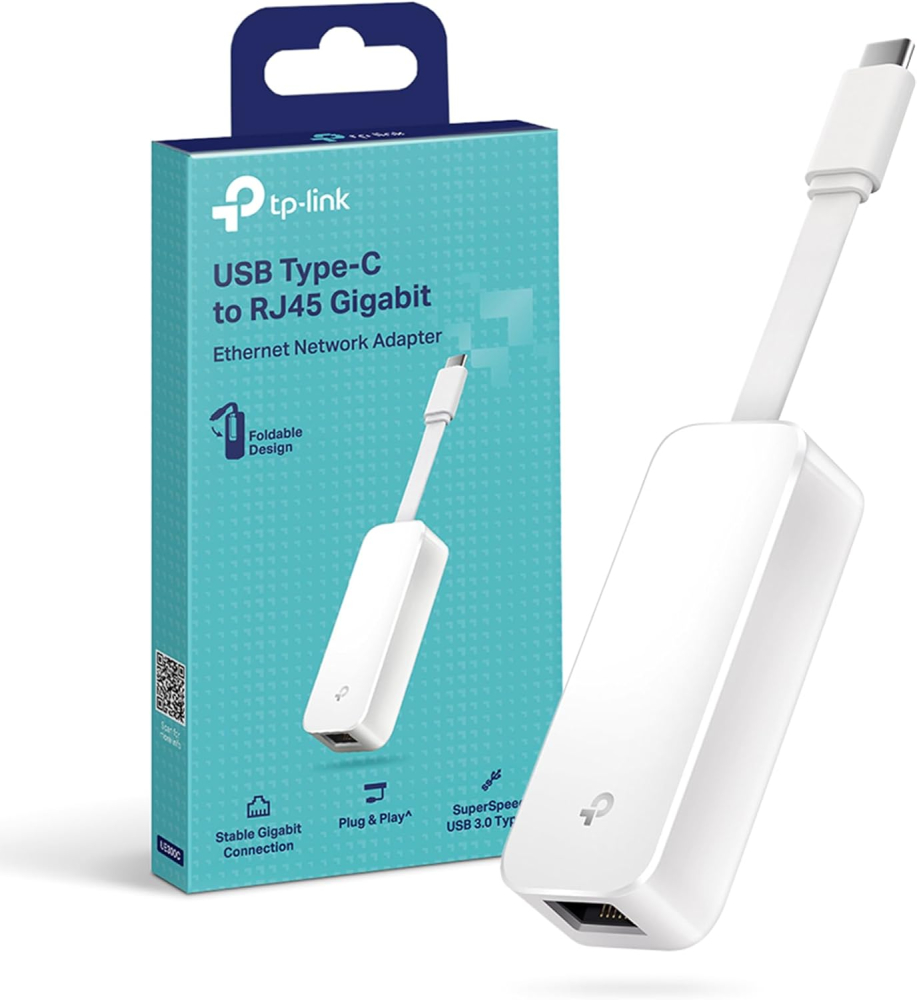
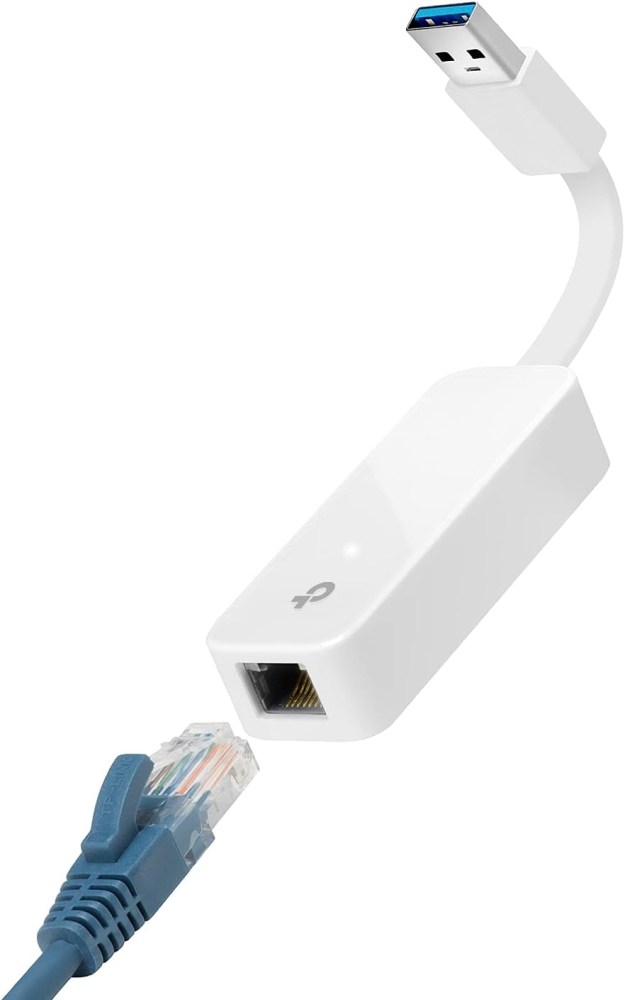
| Product Dimensions | 7.1 x 2.6 x 1.6 cm; 1 g |
| Item model number | UE300C |
| Colour | White |
| Operating System | Mac os x, Linux, Chrome os, Windows 10/11 |
| Are Batteries Included | No |
| Number of Lithium Metal Cells | 1 |
| Item weight | 1 g |
| Guaranteed software updates until | unknown |
| ASIN | B08DVFPJHN |
| Date First Available | 29 July 2020 |
| Manufacturer | TP Link |
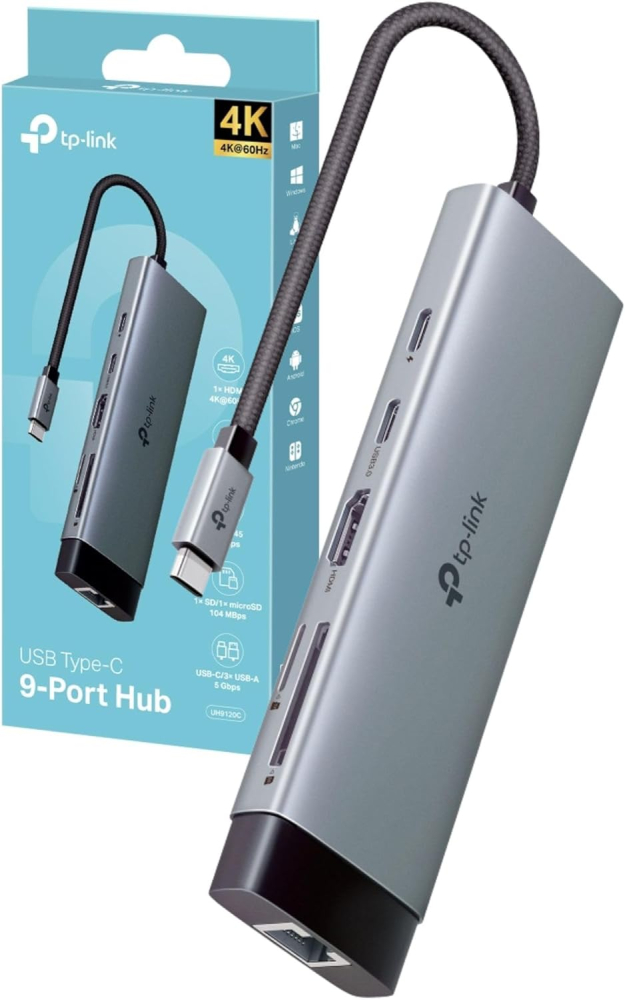
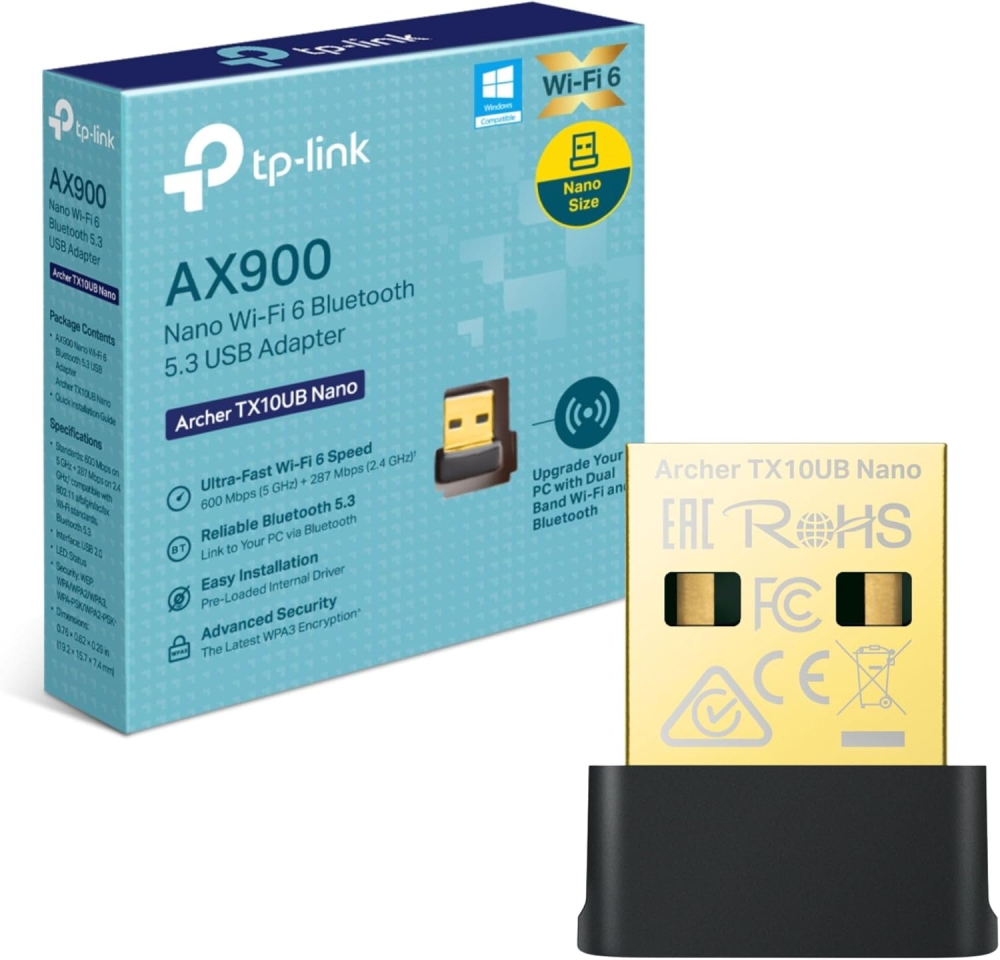
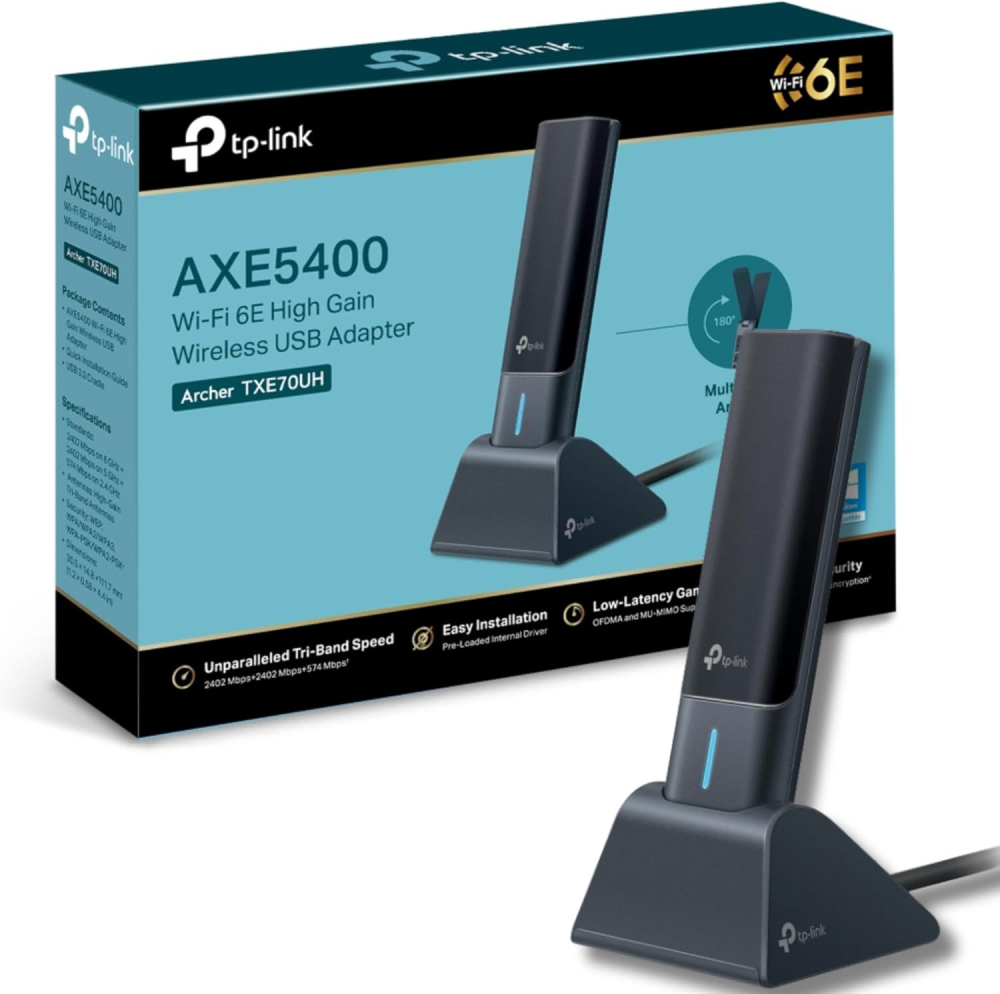
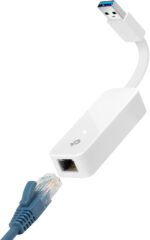
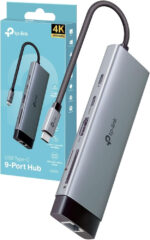
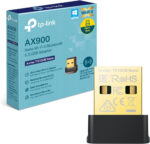
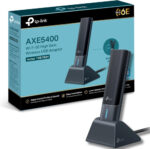
| Style Name | 9-in-1 USB C Docking Station, AX900 Nano + Bluetooth 5.3, AXE5400 WiFi 6E High Gain, Old Version, USB C to Ethernet |





Angelo –
Really good product. I like that it auto-loads its drivers by appearing as a virtual USB CD-ROM (this disappears once the drivers are installed). The extendable arm is also a nice touch and seems to help with signal strength.At first I had Wi-Fi issues where Windows showed “No internet” despite staying connected to the router. The problem wasn’t with the product but rather by the Virgin Media Hub 5 and its Channel Optimization feature. This constantly forces devices to hop between channels, which causes disconnections.How I fixed it:1) Connect to the Wi-Fi normally with the password.2) If you get “No internet,” restart the router (temporary fix).3) Go to 192.168.0.1 and log in using the password on the bottom of the Hub 5.4) Navigate to Advanced Settings → Wireless → Wireless Signal.5) Under Smart WiFi, disable Channel Optimization.6) For 2.4GHz, set Channel to Manual and choose Channel 6.7) For 5GHz, set Channel to Manual and choose Channel 36.After this, the adapter performs excellently. My PC is one floor and two walls away from the router, and I’m getting around 90% of my 500 Mbit/s speed, far better than the powerline solution I was using before which was giving me 20%.
Andrew W –
Excellent!My broadband connection is 900Mbps and this is achievable on my PC using ethernet. I tested this adapter on a Pixel 9, iPhone16, Pixelbook and Win11 laptop. First I tested wifi speed close to the router, then the adapter connected into my router.These are the results, all in Mbps….Pixel9 wifi=225, adapter=375iPhone16 wifi=217, adapter=335Pixelbook wifi=486, adapter=917!Win11 laptop wifi=297, adapter=721So the adapter performed really well. If you need to improve your download speed, this adapter will deliver.
Rhyce Comley –
Great adapter and a reasonable price. Gets a gigabit , gave 4 instead of 5 because the connection seems a bit flimsy so hoping it doesn’t break. Added bonus is that the adapter has a slot for the cable to fold into when not in use
EasyE –
Works.
celinego –
Bought this to replace the same wifi 5 one in my 9 year old laptop. I switched broadband provider from a wifi 5 to a wifi 6 router which my laptop was not complatible with. The old wifi 5 adapter still worked but there was a noticeable drop in speed which wasn’t sufficient for my uploads and downloads. So I purchased this to tide me over till I buy a new laptop later in the year. This is so easy to install. Just unbox and plug into usb port and it automatically installs itself with drivers etc. Just remember to switch off your devices internal wifi/network adapter so that your device uses this one instead. My speeds immediately increased again, to even higher with the same device but with the wifi 5 adapter. After a Windows auto update, for some reason this adaptor wouldn’t auto switch on when I fired up my laptop. I had to manually go to my network settings and enable it again. However, all I did to fix this was to go to the Support section of the TP Link website, find this adaptor and redownload and install the drivers again and problem solved. So little affordable dongle has saved me from panic buying a new laptop much sooner than I wanted to. Has given me much more time to research new laptops. I haven’t used the bluetooth side of it yet as I haven’t had to but based on the wifi performace, I’m pretty sure the bluetooth side would be an improvement too. Highly recommend this.
Simon Port –
Great product. I own 2 of these now & it’s very much plug and play on both PC & Mac.
Sam Wright –
Great little Ethernet link to you usb c. Functional.
Ian Hindle –
I have a range of USB hubs on my desk all reporting their capabilities, but none matching their advertised features. Sadly, my experience of this device is the same.1) It is advertised as a 100W pass through device. I have two DELL laptops, both with 65W power suppliers. Both laptops object to them being used/charged through this hub, they report the use of a low power adapter.2) There is a single USB3.0 port on the device, which I wanted to use to both power and provide graphics connection to a portable display. While the USB port powers my portable display, both my Dell laptops fail to recognise the port for the graphics function. Just for reference, when my USB portable display is plugged directly into a USB-C port on my DELL laptops, it works as expected (both power and graphics).I’m disappointed with this device, especially with it coming from a known credible manufacturer.
KV –
Plugged in > it just works
Bought this recently after trying another, cheaper brand that didn’t work for me on either of the two PCs I needed it for. Well, you may have heard the old saying, ‘buy cheap, buy twice’. I should’ve bought this one first. I used this on a machine running Windows 10 and a Mac. Both times, I just plugged it in, waited a minute or so for good measure and it works. Would buy another one if I needed it. The postage was also super-fast.
John Willis –
Exactly as described
Works as expected.
Cliente Think Assemble –
Recomendo
Produto excelente. Funciona perfeitamente bem no Macbook.
Rogelio Alejandro Gómez –
Cálida en los productos
Excelente producto
Kutla –
UE300 with a Realtek Chipset
I used this adapter to upgrade my Sony TVs’ ethernet ports from 100 Mbps to 1 Gbps, and it worked flawlessly. Make sure the chipset your getting is compatible with your TV.